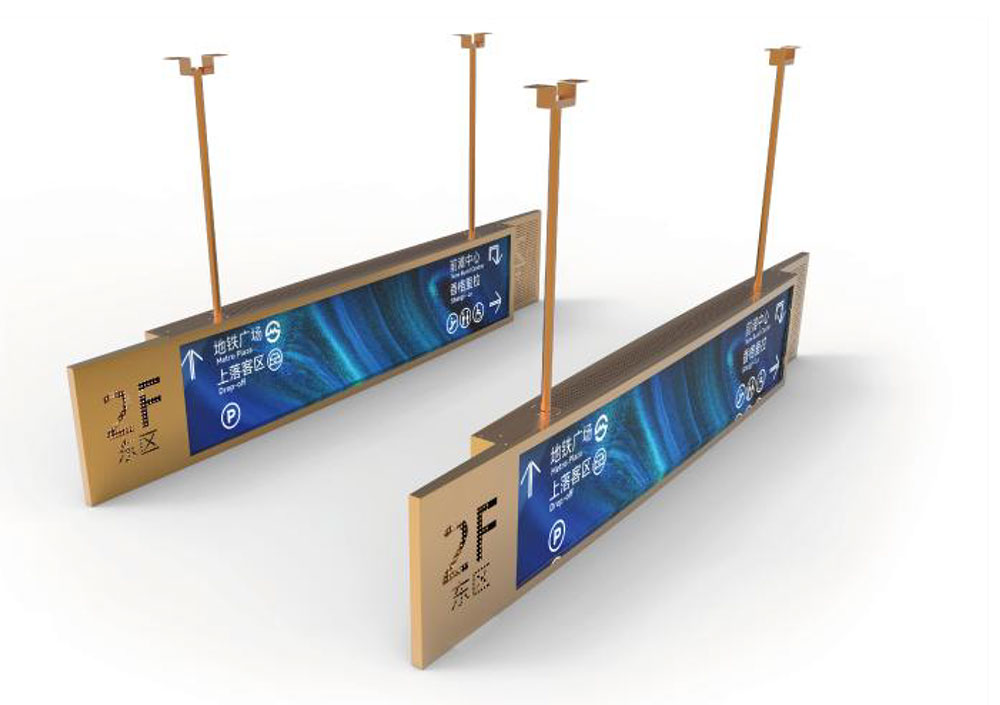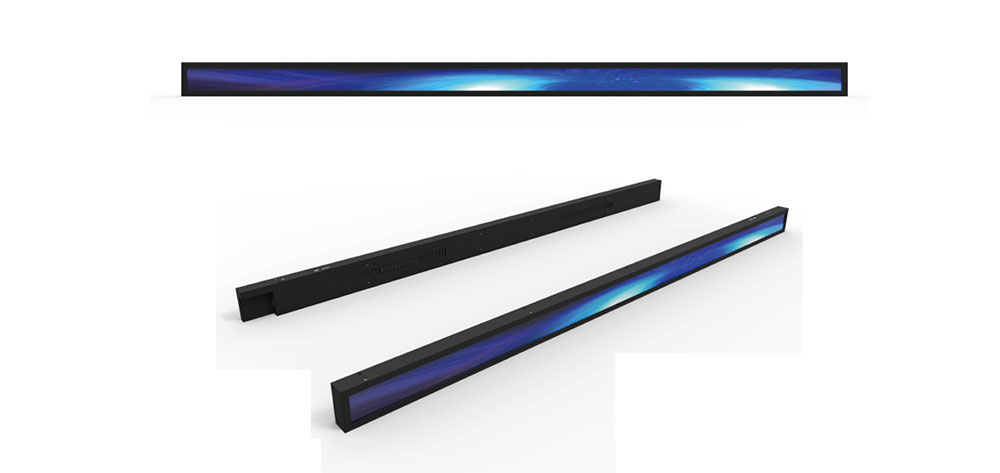
Bar type LCD displays, also known as stretched or ultra-wide displays, have moved from a niche format into a mainstream design choice for shelf-edge signage, transit information boards, automotive dashboards, industrial control panels, and smart appliances. Their elongated aspect ratios allow product designers to fit a screen into narrow, unconventional spaces where a standard 16:9 panel simply would not fit. But choosing the right bar type LCD is more nuanced than picking the longest panel available. Aspect ratio, brightness, interface, temperature range, and mounting method all interact with your enclosure, your operating environment, and your content strategy. This white paper from HITULCD walks through the decisions that matter and the trade-offs behind each one.
1. Understand What "Bar Type" Actually Means
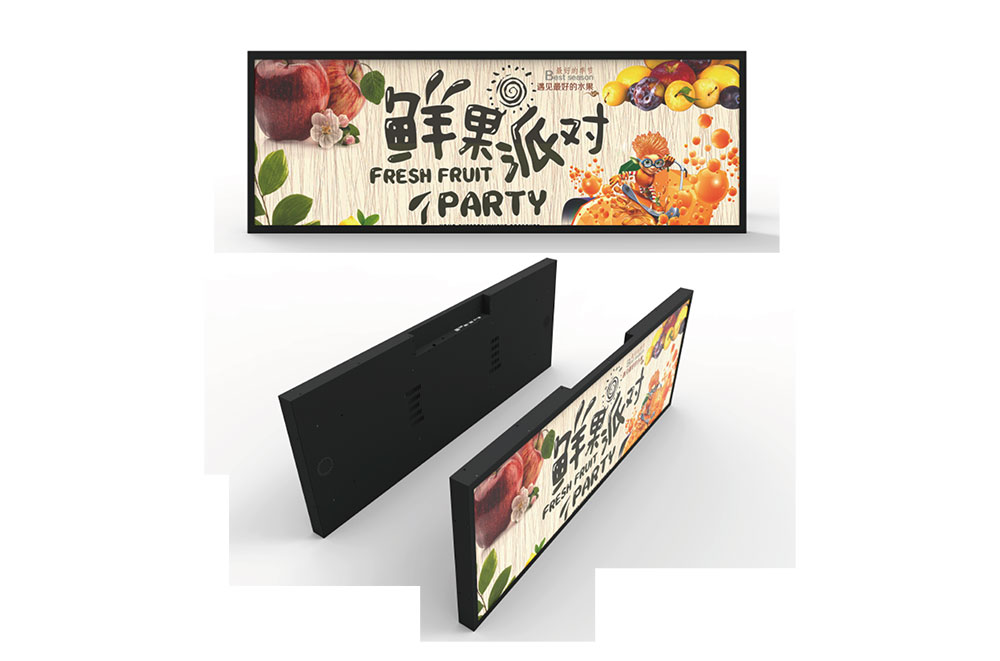
A bar type LCD is any panel with an aspect ratio significantly wider (or taller) than the conventional 16:9. Common ratios include 16:3, 16:4.5, 24:9, and 32:9. Some products use a physically standard panel with a portion of the active area masked off, while true bar type panels are cut and driven so that the entire active area matches the elongated form factor. True bar type panels waste no backlight energy behind a bezel mask and generally deliver better uniformity edge to edge, which matters when the display is only a few centimeters tall but nearly a meter wide.
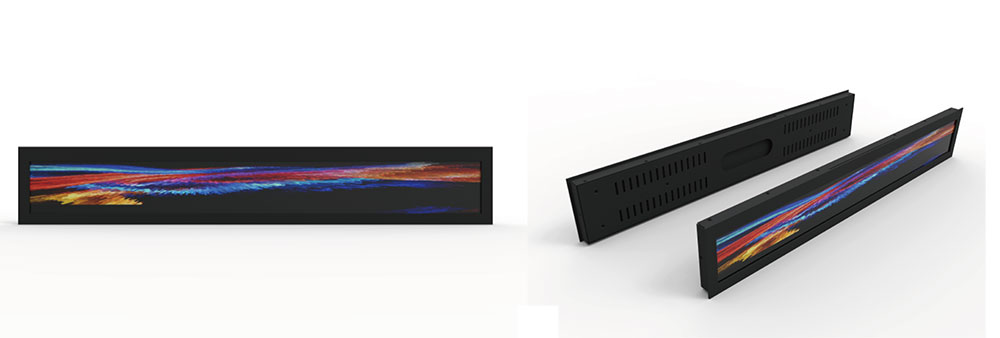
The first practical question is orientation. A horizontal bar suits shelf edges, elevator lobbies, and dashboard clusters. A vertical bar suits doorway signage, gaming peripherals, and side-panel status displays. Confirm early whether you need a landscape-native or portrait-native panel, because the driving IC orientation and the optimal viewing angle are tuned accordingly.
2. Match Aspect Ratio and Size to the Enclosure
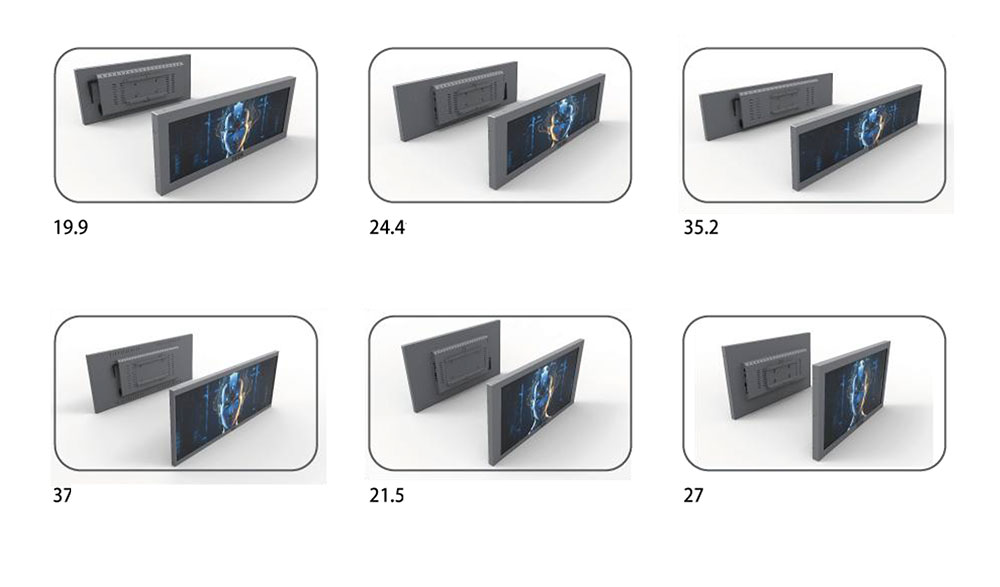
Bar type displays are almost always specified by their diagonal size, but for this format the diagonal is misleading. A 28-inch 16:4.5 panel and a 28-inch 16:9 panel have very different heights and widths. Always design around the active area dimensions (in millimeters), not the diagonal. Below is a general guide to common bar type formats and their typical use cases.
| Aspect Ratio | Typical Diagonal Range | Common Resolutions | Best-Fit Applications |
|---|---|---|---|
| 16:3 | 19" – 38" | 1920×360, 3840×720 | Shelf-edge retail, transit strips |
| 16:4.5 | 23" – 43" | 1920×540, 2560×720 | Smart shelf, appliance panels |
| 24:9 | 28" – 37" | 1920×720, 2560×1080 | Automotive cluster, kiosk |
| 32:9 | 32" – 49" | 3840×1080, 5120×1440 | Gaming, control room, wayfinding |
Leave mechanical margin. The glass edge, the flexible printed circuit (FPC) tail, and the driver board all extend beyond the active area. A common mistake is designing an enclosure to the active area dimension and discovering there is no room for the FPC bend radius or the backlight connector.
3. Specify Brightness for the Real Environment
Brightness is where bar type displays are most often under-specified, because so many are deployed in sunlit or high-ambient locations: storefronts, transit platforms, and vehicle interiors. Brightness is measured in candela per square meter (cd/m², or "nits"). The right value depends on ambient light, not on how bright the panel looks on your desk.
| Environment | Recommended Brightness | Notes |
|---|---|---|
| Indoor, controlled lighting | 350 – 500 nits | Standard retail and office interiors |
| Bright indoor / near window | 700 – 1000 nits | Lobbies, shopfronts behind glass |
| Semi-outdoor / shaded outdoor | 1000 – 1500 nits | Covered transit platforms, drive-through |
| Direct sunlight | 1500 – 2500 nits | Requires high-brightness backlight and optical bonding |
For sunlight-readable applications, brightness alone is not enough. High ambient light reflecting off the front surface washes out contrast, so pair a high-brightness backlight with optical bonding and an anti-reflective or anti-glare surface treatment. Optical bonding fills the air gap between the cover glass and the panel, reducing internal reflections and dramatically improving the perceived contrast in bright conditions. It also improves ruggedness and prevents condensation between layers, which is valuable for outdoor and automotive use.
4. Choose the Right Interface
The interface determines how your host system feeds pixels to the panel and constrains cable length and connector choice. Bar type panels commonly use one of the following.
- MIPI DSI – Low power and compact, ideal for smartphone-class SoCs and small embedded appliance displays. Short cable runs only.
- LVDS – The workhorse for industrial and automotive displays. Robust over moderate distances and widely supported by embedded controllers.
- eDP – Higher bandwidth for high-resolution 32:9 and 4K-class bar panels, common in x86 and higher-end ARM platforms.
- HDMI / DisplayPort (with a driver board) – When you want a plug-and-play module driven by a standard media player or PC, an integrated driver board converts a standard video signal to the panel's native interface.
If your engineering team does not want to develop firmware for a raw panel interface, specify a display module that bundles the panel with a driver board and a standard input. This shortens development time at the cost of a slightly thicker assembly.
5. Define the Operating Temperature and Reliability Class
Bar type displays deployed outdoors or in vehicles face temperature extremes that consumer-grade panels cannot survive. Confirm both the operating and storage temperature ranges, and remember that a panel rated for high temperatures may still suffer from "black state" clearing (liquid crystal isotropic point) or slow response at cold temperatures unless it uses a wide-temperature LC formulation and, where needed, a heater film.
| Grade | Operating Range | Storage Range | Typical Use |
|---|---|---|---|
| Consumer | 0°C to 50°C | -20°C to 60°C | Indoor appliances, retail |
| Industrial | -20°C to 70°C | -30°C to 80°C | Factory, transit, kiosk |
| Wide / Automotive | -30°C to 85°C | -40°C to 90°C | Vehicle, outdoor signage |
Consider the rated backlight lifetime as well, usually expressed as the hours until brightness falls to half its initial value. Values in the range of 30,000 to 50,000 hours are common; high-brightness LED backlights running near maximum drive current benefit from good thermal design to reach the upper end of that range.
6. Plan Viewing Angle, Mounting, and Content
Because bar type panels are often mounted at eye level on a shelf edge or overhead in a corridor, viewing angle and off-axis color shift matter. IPS-type panels hold color and contrast across wide angles and are preferred for signage seen from many positions. TN panels cost less and switch fast but shift noticeably off-axis, which can be acceptable for a driver-facing dashboard where the viewer is fixed.
Finally, plan for the content. Elongated formats reward horizontally scrolling text, wide product imagery, and split zones, but they punish content designed for 16:9 that is simply squeezed. Involve your content and UI team early so the resolution you specify matches the layout they intend to build.
Conclusion
Choosing the right bar type LCD is a matter of aligning five variables — form factor, brightness, interface, temperature grade, and viewing characteristics — with the reality of your enclosure and deployment. Start from the environment and the mechanical constraints, not from a spec sheet in isolation. HITULCD works with product teams to match true bar type panels, high-brightness backlights, and optical bonding to each application, so the display performs as intended long after it ships. When in doubt, specify one grade tougher than you think you need; the incremental cost is small next to the cost of a field failure or an unreadable screen.
KEYWORDS: bar type LCD display, high-brightness LCD, stretched bar display, ultra-wide LCD panel, sunlight readable display