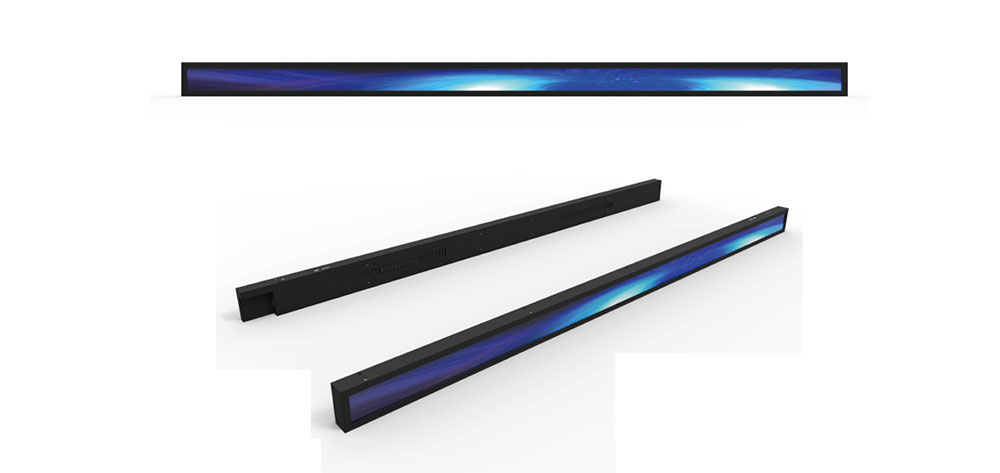
Bar type LCDs, also called stretched or ultra-wide displays, have become a defining format for retail shelves, transit systems, quick-service restaurants, and smart building signage across the US market. When touch functionality is added, the selection process grows more demanding: you are no longer choosing only a panel, but a complete human-machine interaction system that must survive continuous public use, variable lighting, and long duty cycles. This guide walks through the practical selection methods HITULCD engineers use when specifying touchscreen bar type LCDs for American deployments.
Start With the Application Environment
The single most important step is defining where the display will live. A touchscreen bar LCD behind a south-facing storefront window in Arizona faces completely different demands than one mounted inside a climate-controlled supermarket aisle in Chicago.
🔆 Key point: Ambient brightness dictates everything downstream. Outdoor or high-glare indoor locations typically require 1,500–2,500 nits, while shaded indoor use may work well at 700–1,000 nits.
Document the following before requesting quotes: peak sunlight exposure, mounting orientation (landscape bar or vertical bar), operating temperature range, dust and moisture presence, and whether the unit runs 12, 16, or 24 hours per day.
Match Aspect Ratio and Physical Dimensions
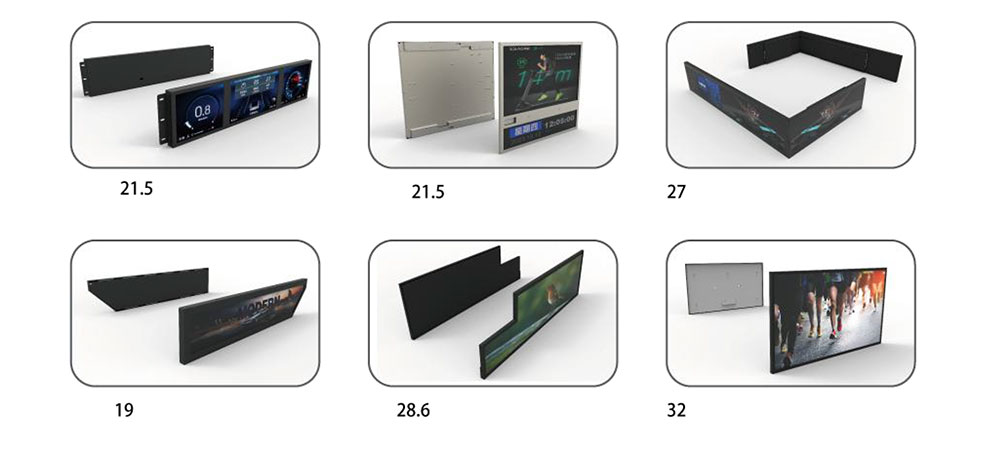
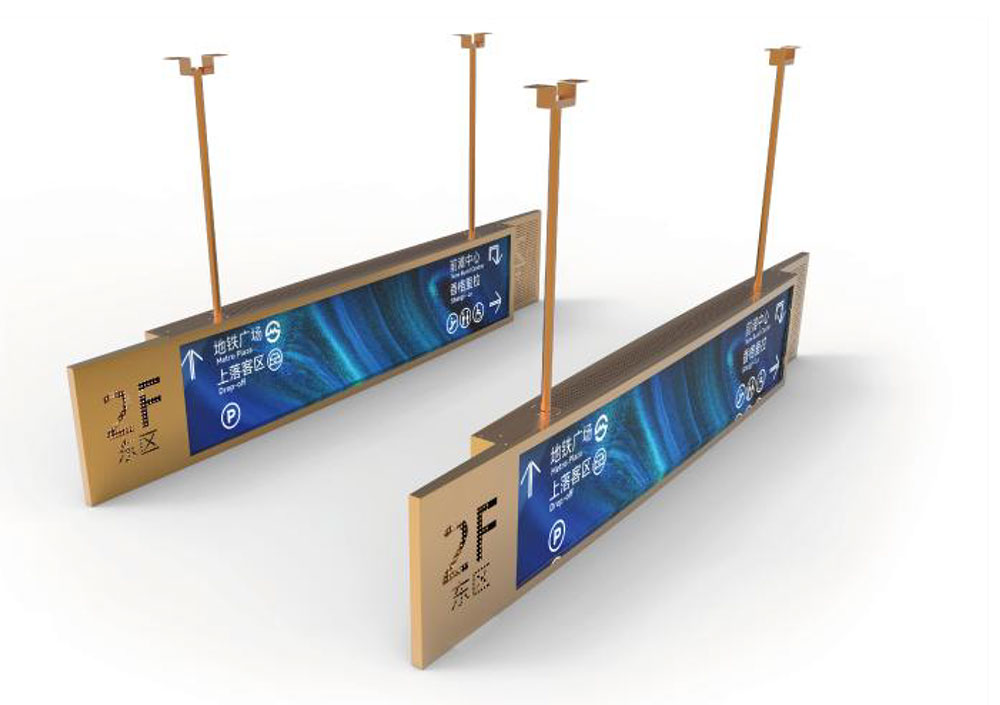
Bar type LCDs are defined by their elongated aspect ratios. Common formats in the US include 16:4.5, 24:9, 32:9, and highly stretched shelf-edge ratios. Selecting the correct ratio depends on the content layout and the physical space.
Practical dimension checklist
📐 Confirm the visible active area, not just the diagonal size. Two "28-inch bar" panels can differ significantly in usable width. Always verify the active area in millimeters and match it against your fixture cutout.
📐 Account for bezel and mounting depth. Retail shelf rails and elevator frames often have tight depth tolerances that eliminate otherwise suitable panels.
Choose the Right Touch Technology
Touch performance is where many bar LCD projects succeed or fail. The two dominant technologies for public-facing US installations are projected capacitive (PCAP) and infrared (IR), each with clear tradeoffs.
👆 Projected capacitive (PCAP): Best for premium feel, multi-touch gestures, glove-free retail interaction, and flush glass surfaces. Handles dust and water splashes well and resists surface wear. Preferred for kiosks and interactive shelf displays.
👆 Infrared (IR): Cost-effective at very large or extremely stretched sizes, works with any object including gloves and styluses, but the raised frame can collect debris and is more sensitive to bright direct sunlight.
For most US commercial bar displays under 43 inches, PCAP is the stronger choice. For oversized transit or stadium bar boards, IR often becomes more economical.
Prioritize Optical Bonding for Touch Clarity
Optical bonding eliminates the air gap between the touch layer and the LCD, which reduces internal reflection, improves sunlight readability, and prevents condensation inside the display. For any touchscreen bar LCD used near windows or outdoors in the US, this is not optional.
✅ Optically bonded units deliver noticeably higher contrast in bright environments and are far more durable against impact. The added cost is justified for public installations expected to run for several years.
Verify Brightness, Contrast, and Sunlight Readability
High brightness is the core value of HITULCD panels, but raw nit count alone is misleading. Evaluate the complete readability package.
What to confirm with the manufacturer
🔍 Sustained brightness versus peak brightness, since some panels dim under thermal load.
🔍 Automatic brightness control via an ambient light sensor to save power and prevent nighttime glare.
🔍 Anti-glare or anti-reflective surface treatment matched to the install lighting.
🔍 High-temperature-rated panels for enclosures that heat up under sunlight.
Confirm Interface, Controller, and Integration
Touchscreen bar LCDs must integrate cleanly with your media player, signage CMS, or embedded controller. Confirm video inputs (HDMI, DisplayPort, LVDS, or eDP for embedded designs) and the touch data interface, typically USB or I²C.
💡 Ask whether touch drivers are validated for your operating system. Windows, Android, and Linux each require confirmed driver support. Plug-and-play behavior on Windows and Android is standard for quality PCAP controllers.
Plan for Reliability and Compliance in the US Market
American commercial deployments carry regulatory and durability expectations that should be settled before purchase.
📋 Compliance essentials: FCC certification for electromagnetic emissions, UL safety listing for the power supply and assembly, and RoHS compliance. For semi-outdoor or wet locations, verify the IP rating of the front surface.
Also assess the expected panel lifespan (measured in operating hours to half-brightness), warranty terms, and lead time for replacement units, since bar LCD formats can have longer restock cycles than standard panels.
A Simple Selection Workflow
To bring these methods together, HITULCD recommends this ordered workflow:
1️⃣ Define environment, orientation, and duty cycle.
2️⃣ Fix the aspect ratio and confirm active-area dimensions against the fixture.
3️⃣ Select touch technology based on size, interaction style, and location.
4️⃣ Require optical bonding for any bright or public setting.
5️⃣ Validate brightness, auto-dimming, and surface treatment.
6️⃣ Confirm video and touch interfaces plus OS driver support.
7️⃣ Verify FCC, UL, RoHS, IP rating, and warranty terms.
Following this structured method removes guesswork and prevents the most common and costly mistakes: mismatched dimensions, insufficient brightness, and touch layers that fail under public use. A correctly specified touchscreen bar type LCD becomes a reliable, high-impact interaction surface that performs for years in demanding US commercial environments.