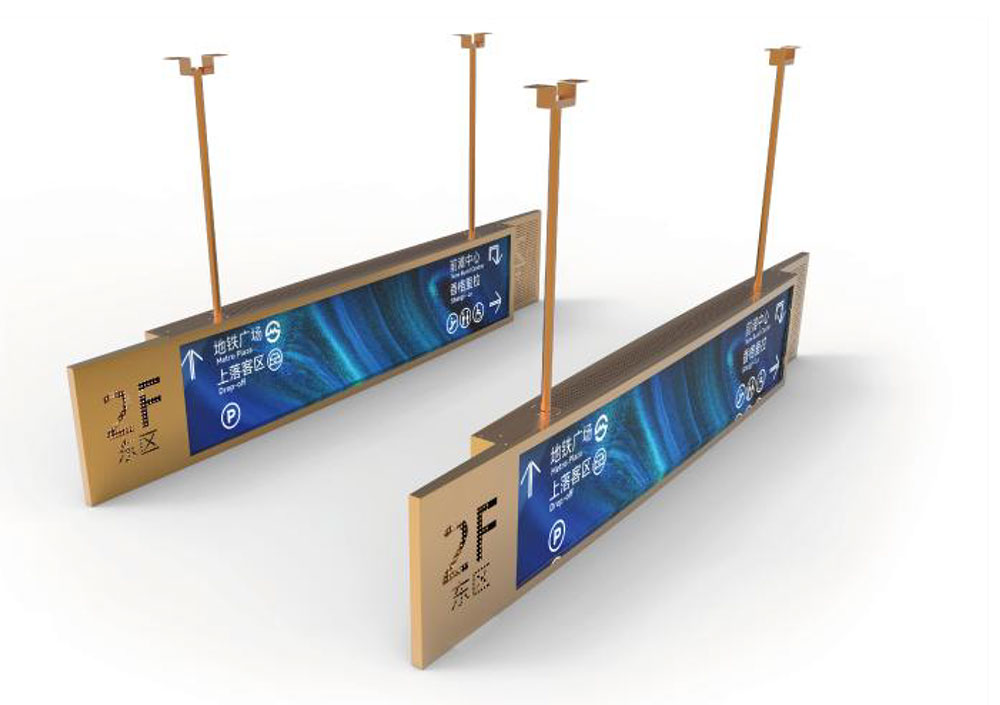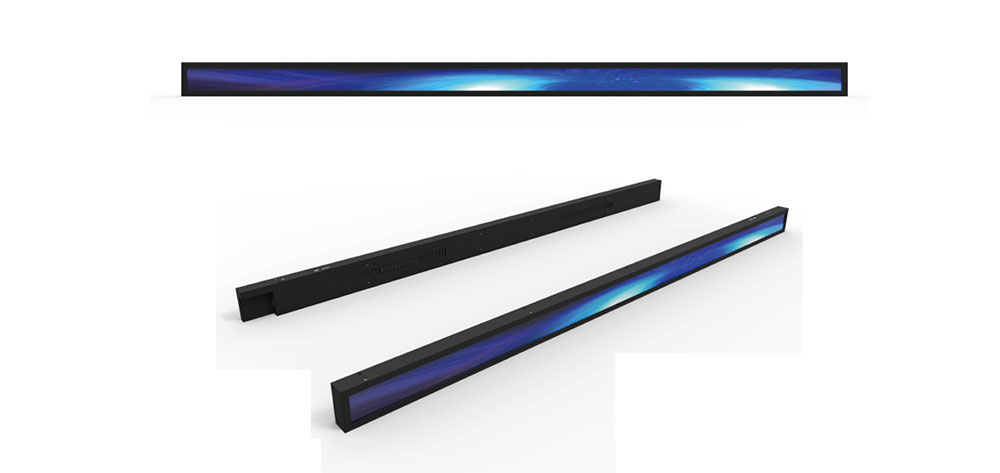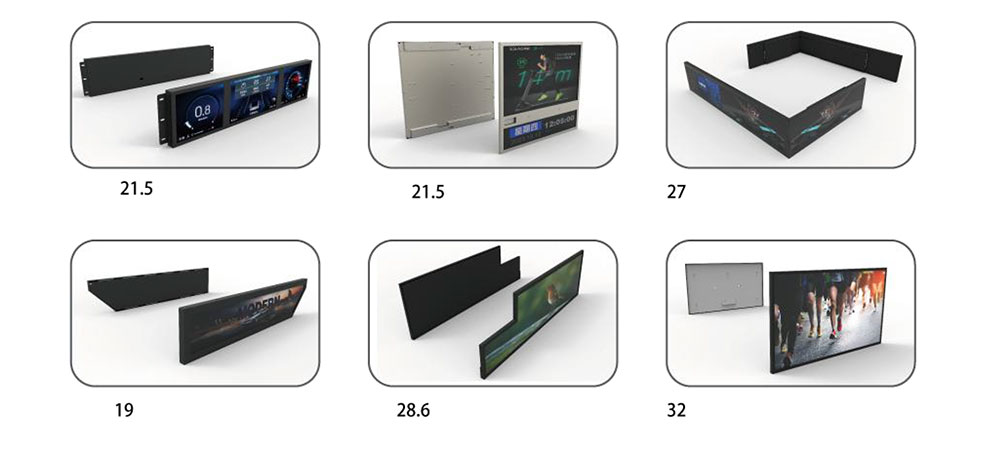
Bar type LCDs — also called stretched or ultra-wide strip displays — have become a defining tool for retail shelves, transit corridors, drive-thru menu rails, and elevator signage across the US market. Their elongated aspect ratios (typically 16:4.5, 32:9, or fully custom cuts) let them fit into spaces where a standard 16:9 panel simply cannot. But when these displays are deployed near storefront windows, in sun-drenched transit hubs, or in outdoor-facing enclosures, ordinary brightness fails fast. This is where high brightness bar type LCDs earn their place. The following points break down what US buyers, integrators, and system planners should evaluate before specifying a panel.
1. Match Brightness to the Real Ambient Environment
The single most misunderstood spec is nits (cd/m²). A standard commercial display runs 300–450 nits, which washes out completely behind glass or under direct sun.
🔆 Key point: For US semi-outdoor and window-facing deployments, target 1,500–2,500 nits. For fully sun-exposed placements, 3,000 nits or higher is the practical floor. Anything below 1,000 nits will disappoint in bright American retail and transit settings.
Consider seasonal and regional sun load
Sun intensity in Phoenix, Miami, or Los Angeles is far more punishing than in Seattle or the Northeast. A national rollout should be specified for the harshest site in the fleet, not the average, so the same SKU performs everywhere.
2. Thermal Management Is Not Optional
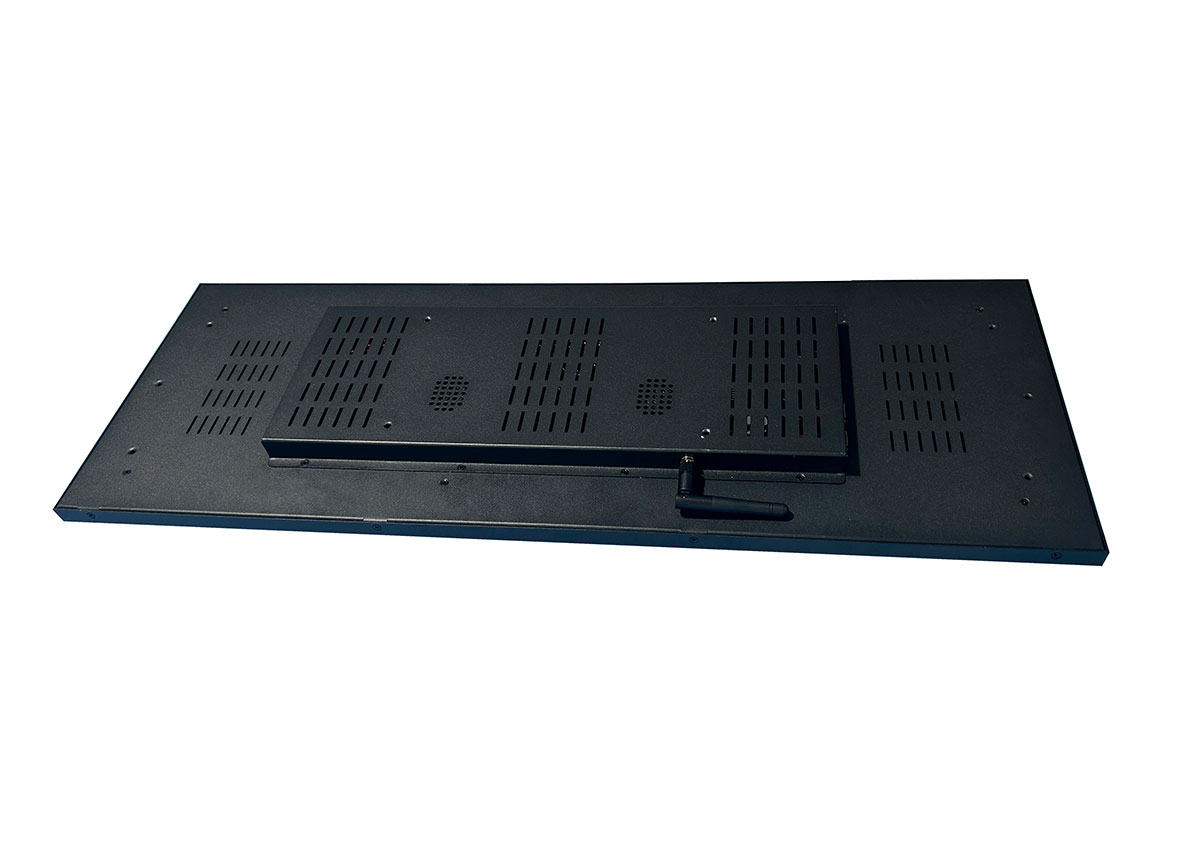
High brightness backlights generate significant heat, and heat is the number-one killer of panel lifespan and image quality. In the US, displays are frequently installed in enclosed light boxes, window mounts, or ceiling-recessed transit fixtures where airflow is limited.
🌡️ Key point: Look for panels with an operating range up to 60°C (140°F), active or engineered passive cooling, and automatic brightness dimming that protects against overheating without shutting the screen off.
Ask the manufacturer directly whether the brightness rating is sustained or peak. A panel that hits 2,500 nits for a demo but throttles to 1,200 nits after twenty minutes in an enclosure is a specification trap.
3. Choose the Right Aspect Ratio and Resolution Pairing
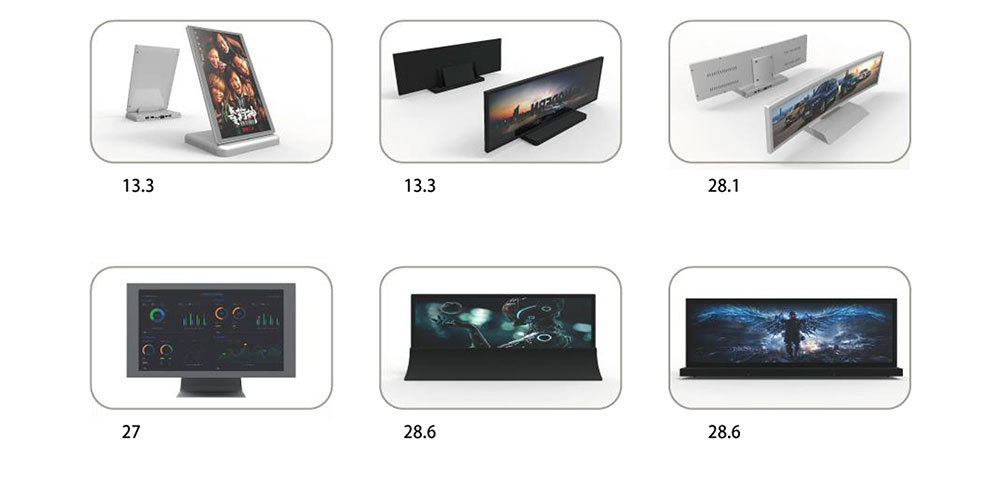
Bar type panels come in many cut sizes, and resolution must scale with viewing distance. A shelf-edge strip viewed from two feet needs far tighter pixel density than a transit banner read from thirty feet.
Common US bar type formats:
- Shelf edge (23.1", 28"): retail promotions, price rails, close viewing.
- Mid-wide (37", 43", 47"): drive-thru menus, elevator and lobby signage.
- Ultra-wide (58", 70"+): transit corridors, stadium concourses, airport wayfinding.
📐 Key point: Confirm the panel supports the content resolution your CMS outputs. Non-standard bar resolutions can force awkward scaling and blurry text if the media player and panel are mismatched.
4. Verify Reliable 24/7 Duty Rating
Most US commercial signage runs continuously. Consumer or standard commercial panels are not built for round-the-clock high-brightness operation and will degrade prematurely.
Insist on displays rated for 24/7 continuous operation with an LED backlight lifespan of 50,000 hours or more. This directly affects total cost of ownership and warranty exposure across a large deployment.
5. Anti-Reflection and Optical Bonding
Brightness alone doesn't solve readability. Glare and internal reflections cut perceived contrast dramatically. Two features matter most:
Anti-glare / anti-reflective coating
Reduces mirror-like reflections from overhead lighting and windows — essential in bright retail interiors.
Optical bonding
Eliminates the air gap between the glass and panel, reducing internal reflection, improving contrast in sunlight, and preventing condensation and dust ingress. For US window and outdoor-facing units, this is strongly recommended.
6. Confirm US Compliance and Certifications
✅ Key point: Any display sold and installed in the US should carry UL/cUL safety certification and FCC Part 15 compliance for electromagnetic emissions. For energy-conscious buyers, check ENERGY STAR or DOE alignment as well.
Skipping certification can stall permitting, fail building inspections, and void commercial insurance — a costly surprise late in a project.
7. Plan for Input, Control, and Serviceability
Consider how content reaches the panel and how it will be maintained:
- Connectivity: HDMI, DisplayPort, and increasingly built-in Android SoC media players for standalone operation.
- Remote management: RS-232, LAN, or cloud control to adjust brightness, schedule content, and monitor health across many sites.
- Field service: front or rear access, modular design, and US-based spare-part availability to minimize downtime.
Final Selection Checklist
Before you buy, confirm:
- Sustained brightness suited to the harshest install site
- Thermal rating and cooling for enclosed US fixtures
- Correct bar size, aspect ratio, and matched resolution
- True 24/7 duty rating with long backlight life
- Anti-glare coating and, where needed, optical bonding
- UL and FCC compliance for lawful US deployment
- Connectivity, remote control, and local serviceability
Selecting a high brightness bar type LCD for the US market is less about chasing the biggest nit number and more about matching the panel to real ambient light, thermal conditions, viewing distance, and compliance requirements. HITULCD engineers stretched and bar type displays specifically for these demanding North American environments, pairing sustained high brightness with rugged thermal design and full US certification — so the display you specify performs reliably from the first day through years of continuous service.