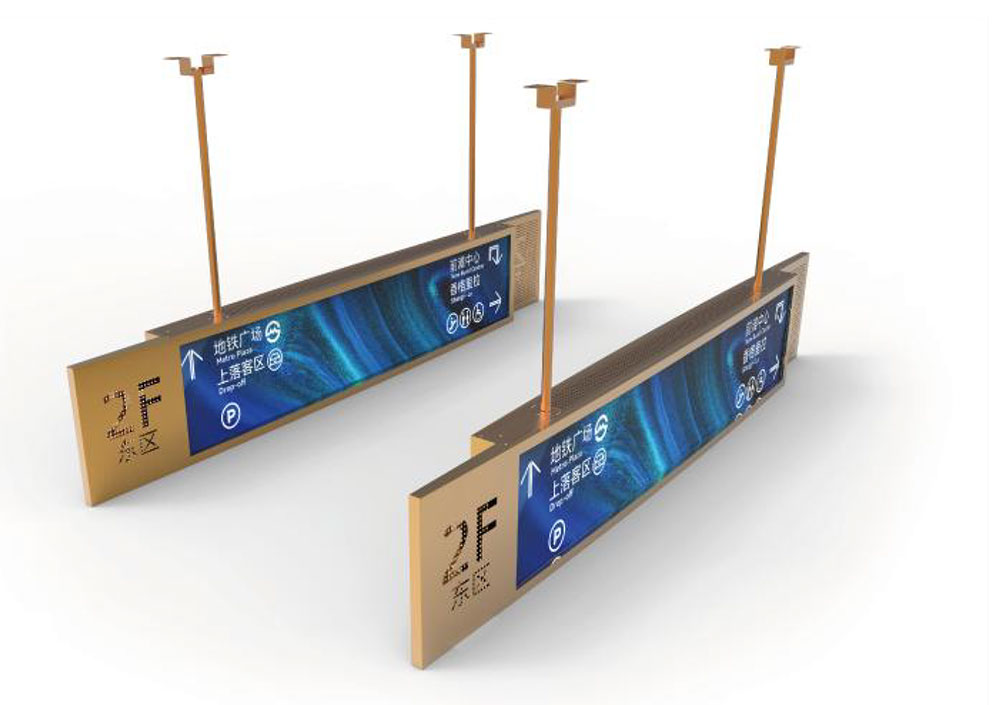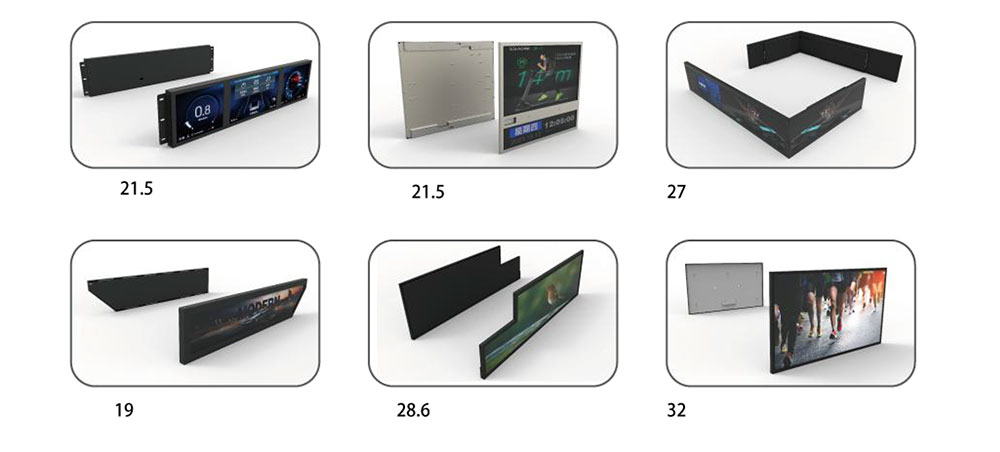
Modern buildings are larger, more mixed-use, and more visitor-dependent than ever. Office towers, hospitals, airports, transit hubs, university campuses, and shopping complexes all face the same challenge: moving people from the entrance to the right destination quickly, safely, and without confusion. Static signage struggles to keep up with changing tenant lists, temporary room closures, and real-time schedules. Ultra-wide LCD displays are increasingly used to solve this problem, combining the layout advantages of a horizontal canvas with the content flexibility of digital media.
Why Ultra-Wide Formats Suit Building Directories
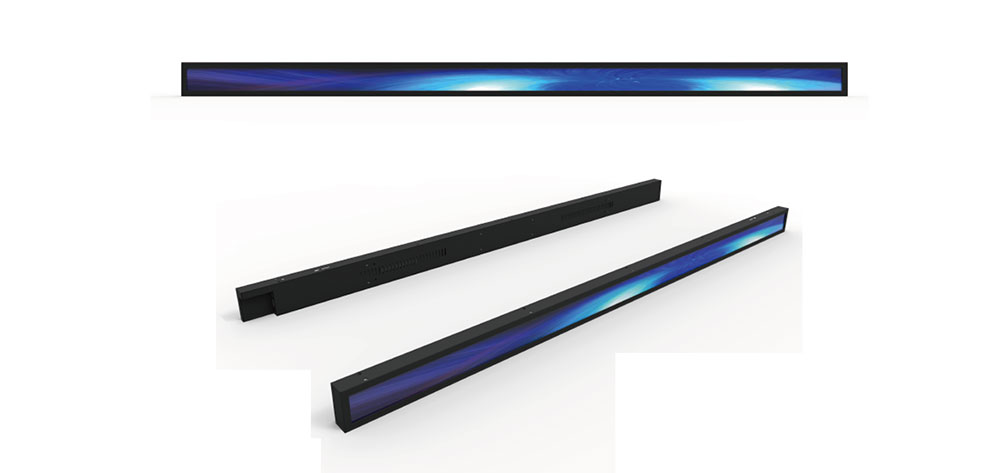
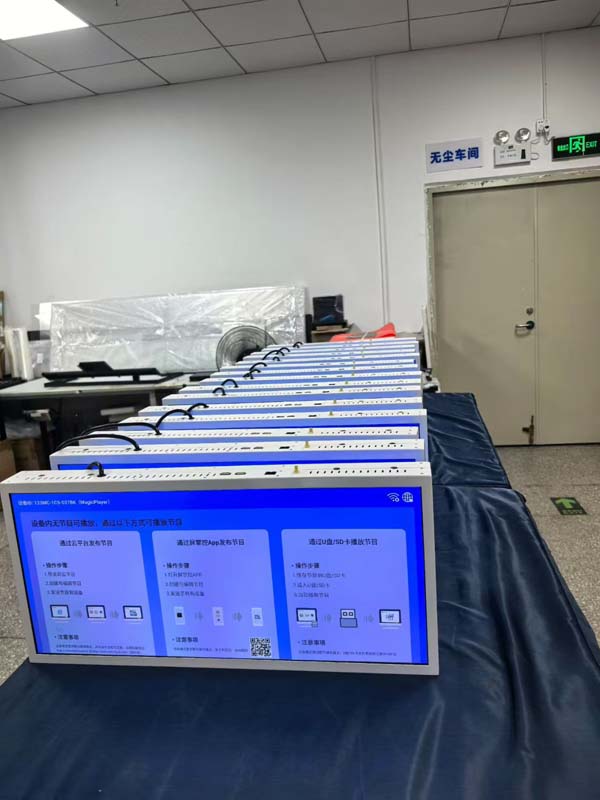
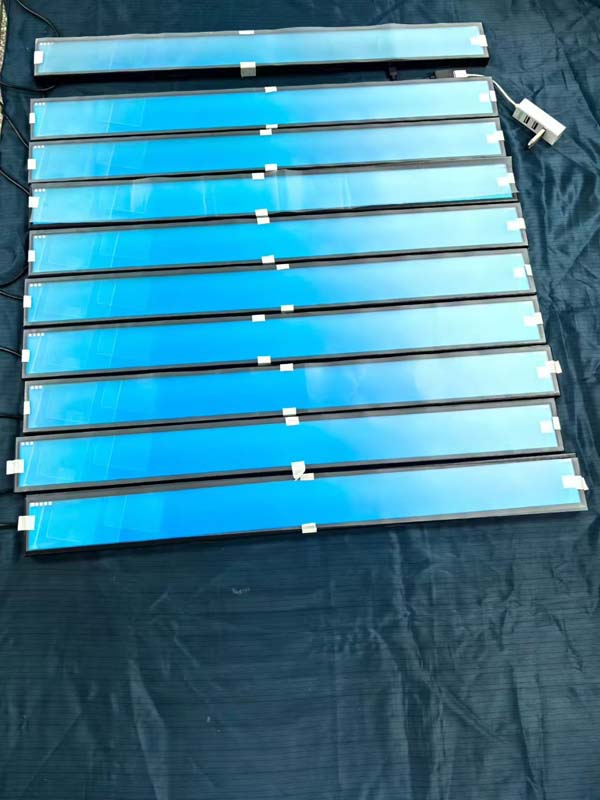
A conventional 16:9 display is designed around a single focal point and a comfortable viewing distance for one or two people. A building directory, however, must present a long horizontal sequence of floors, zones, tenants, and directional arrows that a visitor can scan in a single glance. Ultra-wide formats, including 21:9 panels and 32:9 stretched bar displays, offer a horizontal canvas that matches how people read lobby walls and corridor headers from left to right.
The wider aspect ratio also reduces the number of separate screens needed to cover a feature wall. A single continuous display can show the full floor index, a highlighted "You are here" marker, and a route preview without forcing visitors to walk between panels. Engineers should still verify the native resolution and pixel pitch against the intended reading distance, because a wide panel with insufficient resolution will look coarse at close range.
Brightness and Readability in Lobby Environments
Brightness is the most underestimated parameter in directory design. Lobbies frequently combine large glazed façades, skylights, and atrium lighting, which can wash out an ordinary indoor display. As a practical reference, many standard indoor LCDs operate in the range of roughly 350 to 500 cd/m², while high-brightness panels intended for sunlit or glass-heavy spaces typically reach 1,500 cd/m² or more. Selecting the right luminance level depends on the ambient light measured at the mounting position, not on the brightness value printed on a datasheet alone.
Surface treatment is equally important. Anti-glare coatings diffuse reflections and reduce mirror-like images of people and windows, but excessive haze can soften small text. Anti-reflection films, optical bonding, and carefully specified haze values help preserve character sharpness. Designers should test the display at the actual installation angle, since off-axis viewing can shift contrast and color uniformity significantly.
For reliable legibility at distance, many accessibility guidelines recommend character height in proportion to viewing distance. A widely used rule of thumb is approximately 25 mm of character height for every 3 m of viewing distance. Text and background contrast should also meet the contrast requirements defined in WCAG 2.2, with a minimum contrast ratio of 4.5:1 for body text, so that directory information remains readable for visitors with low vision.
Standardized Wayfinding Language
A digital directory is only effective if visitors understand its symbols at a glance. ISO 7001 defines public information symbols, including those for restrooms, elevators, accessible entrances, and information desks, and using these standardized pictograms reduces the need for translation and improves comprehension among international visitors. Color coding should also follow ISO 3864-1 principles for safety colors where applicable, so that emergency-related information is never presented in a way that conflicts with recognized conventions.
Consistency across the building matters as much as the symbols themselves. Route colors, icon sizes, and typography should remain uniform on every screen, from the lobby directory to floor-level displays. A consistent visual system allows visitors to build a mental model of the building quickly, which is especially valuable in large facilities where a single wrong turn can add several minutes to a journey.
Emergency Integration and Evacuation Priority
Digital wayfinding offers a capability that static signs cannot provide: instant content override. When a fire alarm or emergency management system is triggered, the display can switch from the directory to an evacuation plan. Evacuation graphics should be designed in line with ISO 23601, which specifies safety identification for escape and evacuation plan signs. The emergency mode should be hardwired or prioritized at the controller level, so that it functions even if the content management server or network connection is unavailable.
System Integration and Content Management
Ultra-wide directories rarely operate alone. They are typically connected to a content management system (CMS), a tenant database, room booking software, or a building management system (BMS). Integration through RESTful APIs or scheduled data feeds allows the directory to reflect current occupancy, meeting room availability, and maintenance notices without manual updates. Where the BMS is based on BACnet, BACnet/IP (ASHRAE 135) can provide a standardized route for status information, although the integration architecture should be validated against the specific building system.
Network design should also account for signal distribution. HDMI and DisplayPort remain common for local connections, while long cable runs may require fiber extenders or certified signal converters. For multi-display installations, synchronized playback and centralized monitoring help ensure that all screens on a wall show the same version of the directory at the same time.
Mechanical Design and Installation Considerations
Installation planning determines whether an ultra-wide display performs well over its service life. Because these panels are long and heavy, the wall structure must be engineered for the combined load of the glass, frame, and mounting hardware, with proper allowance for thermal expansion. Narrow bezels are desirable for a seamless appearance, but they must be balanced against heat dissipation, serviceability, and the need for a stable structural frame.
Cable management and access should be planned before installation. Rear-service access allows technicians to replace power supplies, controllers, or backlight modules without removing the entire assembly. Mounting height should follow accessibility guidance so that the most important route information falls within comfortable reach and viewing range for wheelchair users and visitors of different heights.
Environmental Protection and Long-Term Reliability
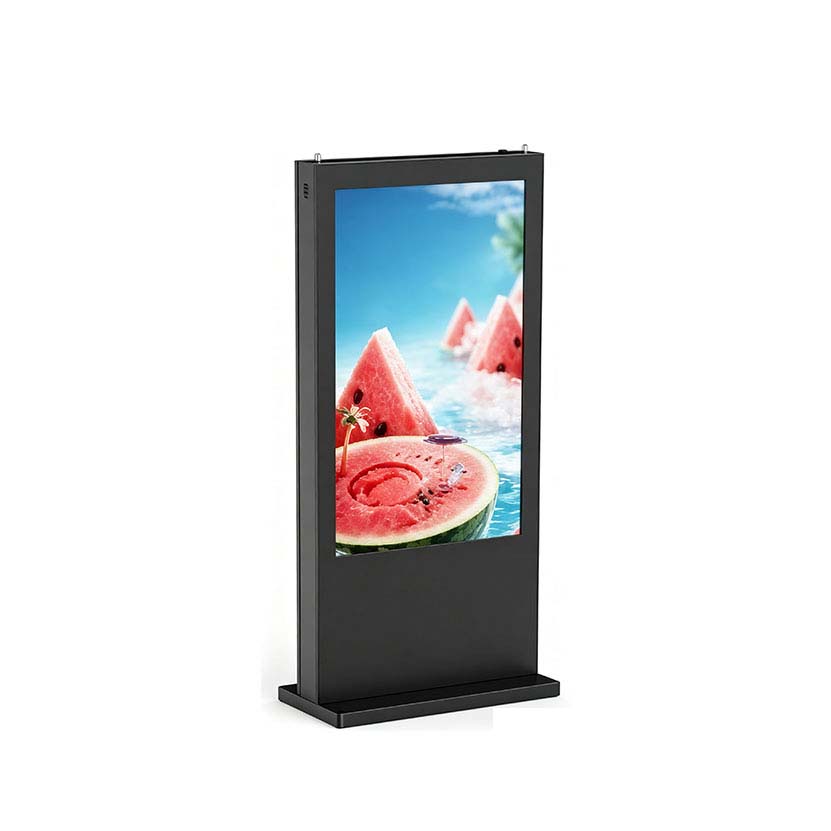
Lobby and outdoor-adjacent installations expose displays to dust, humidity, temperature variation, and in some cases direct sunlight. Ingress protection should be specified according to IEC 60529. For example, an IP54 rating provides protection against limited dust ingress and water splashing, which may be suitable for semi-exposed entrances, while enclosures for more demanding environments require higher ratings. Environmental qualification testing based on IEC 60068-2 series methods helps verify performance under temperature and humidity stress.
Because directory displays often run continuously, backlight life and thermal management are central to total cost of ownership. LED backlight lifetimes are commonly rated to the point where luminance falls to 50 percent of its initial value, and the rated figure should be interpreted together with operating temperature and duty cycle. Automatic brightness control based on an ambient light sensor can extend service life while KEYWORDS: Ultra-Wide LCD Displays for Building Directories and Digital Wayfinding