Why the Bar-Type Display Has Become the Default Interface of Self-Service Payment
Walk into any multi-storey car park or rail concourse and you will meet the same industrial design problem: a payment terminal must present a fast, unambiguous instruction — amount due, insert card, take ticket, proceed — inside a stainless-steel or powder-coated cabinet whose proportions were fixed years before the electronics were specified. A conventional 16:9 panel almost never fits that geometry. It leaves dead bands above and below the message area, forces the cabinet to grow in height, or pushes the display into a portrait orientation that crowds the card reader and the receipt printer.
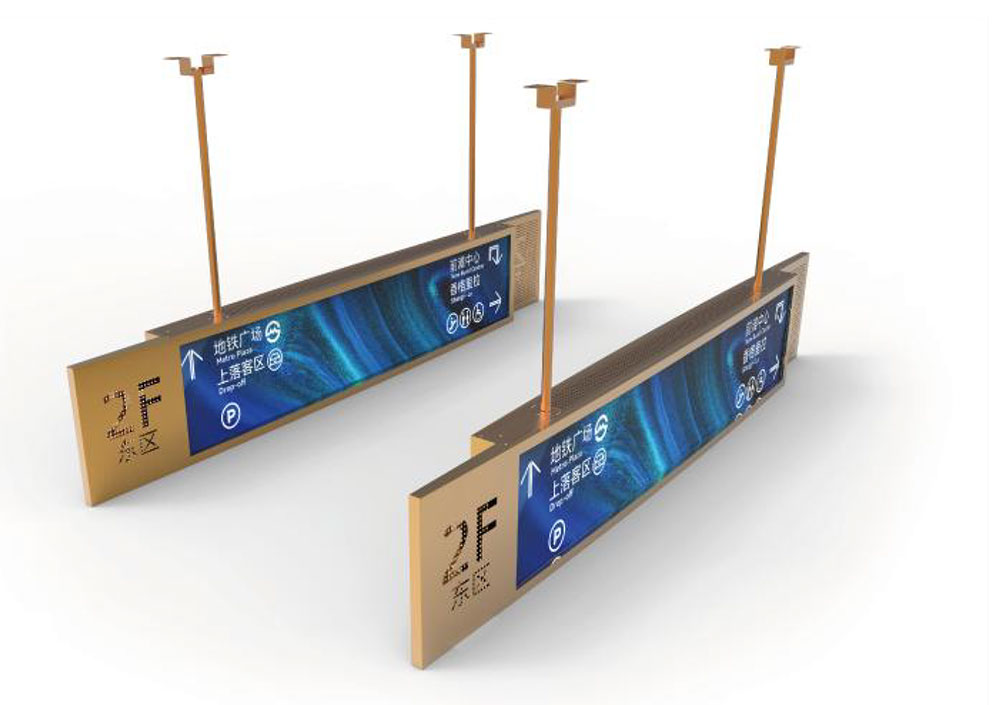
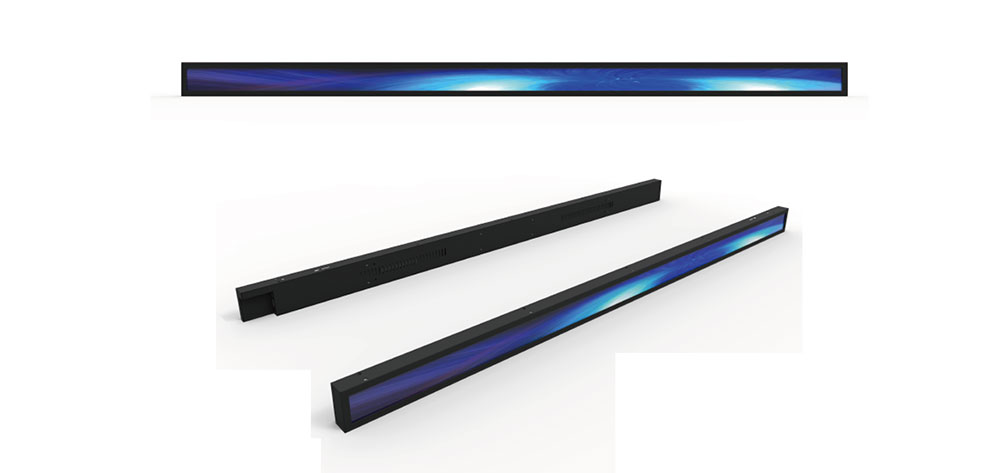
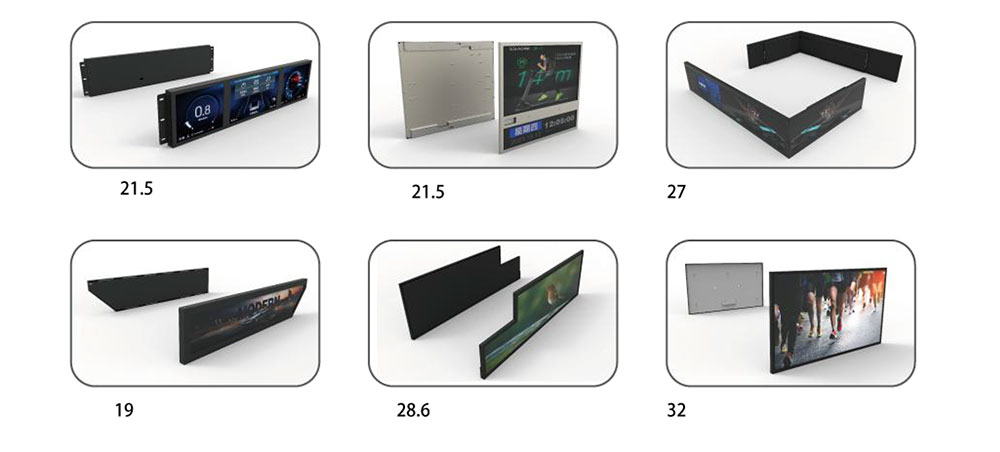
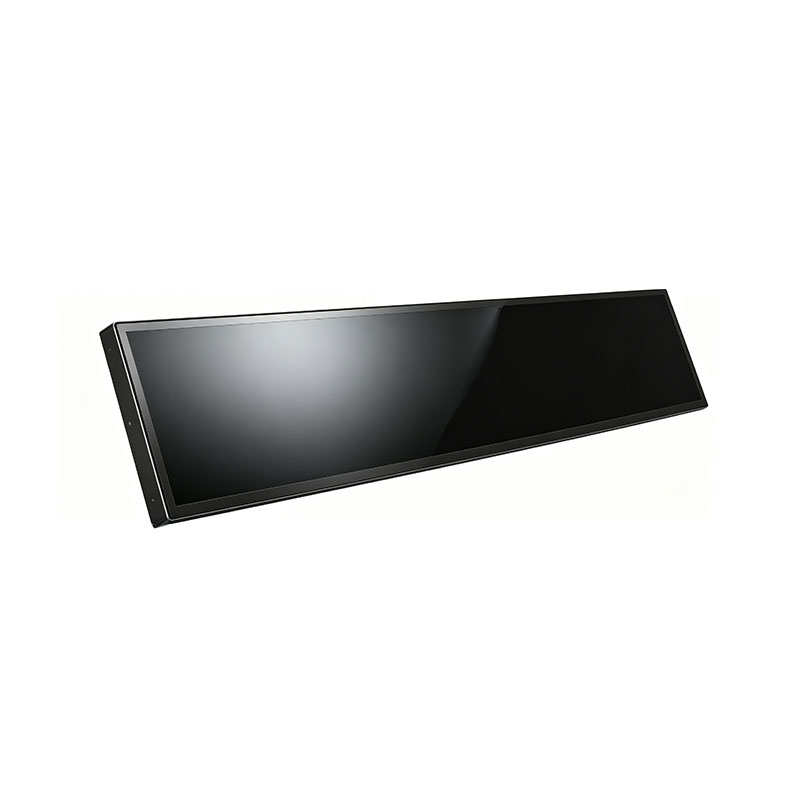
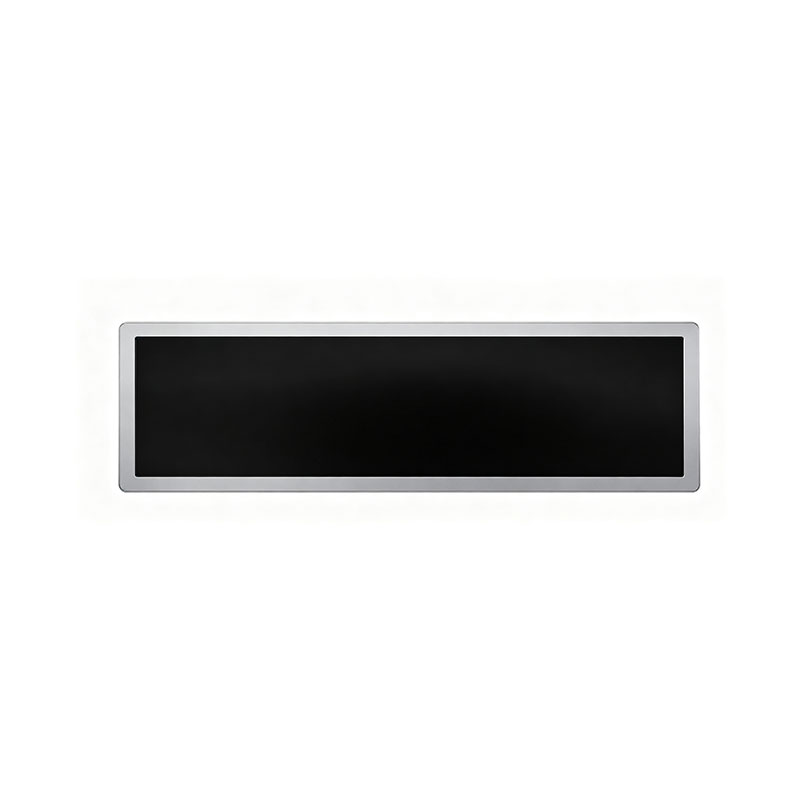
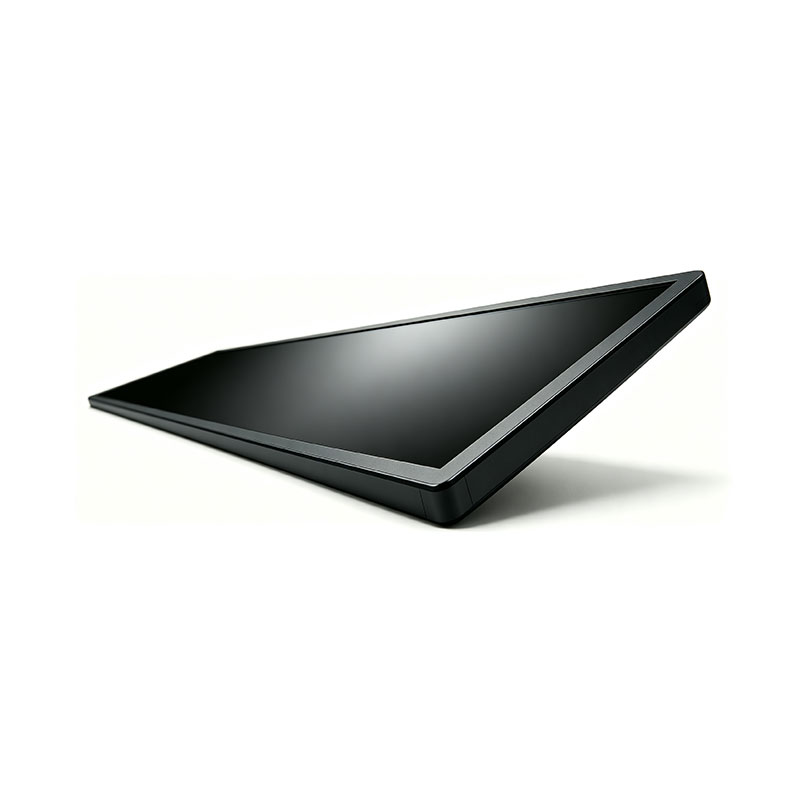
The bar-type — also called stretched, banner, shelf-edge or ultra-wide strip — LCD solves that problem at the physical layer. Panels are cut in aspect ratios such as 16:4.5, 16:3, 8:1 or 11:1, in diagonals from roughly 16 to 45 inches, so the active area can be matched to the cabinet fascia almost one-to-one. For parking payment kiosks and transport ticketing machines, where the display is a narrow horizontal band beside a coin/ticket slot or above a banknote acceptor, that match is worth more than raw resolution. This paper sets out the engineering decisions involved in specifying a custom stretched display for these two applications, from optical targets and environmental sealing through interface selection and regulatory compliance.
Application Anatomy: Parking Payment vs. Ticketing
Parking payment machines
The category covers entry ticket dispensers, exit/pay-on-foot stations, and unattended autopay kiosks in shopping centres and hospitals. Typical characteristics:
- Very short interaction window. A driver wants to see one number — the fee — and one instruction. A 37-inch or 28-inch bar panel showing a single line of 60–100 mm high characters does this better than a 15-inch 4:3 monitor showing four lines.
- Wide ambient range. Machine faces are frequently installed at the open edge of a deck, receiving direct low-angle sun in winter and near-freezing air at night, or standing in a hot, unventilated plant room.
- High vandalism and misuse risk. Coins taped over the screen, keys dragged across the glass, pressure-washing of the surrounding deck.
- Mixed content. Fee display, tariff table, QR payment code, ANPR confirmation image, advertising strip when idle.
Transit ticketing and queue systems
Ticket vending machines (TVMs), top-up terminals, ticket validators with status strips, and queue-management call displays share a need for horizontal status bands. Their priority is legibility at 0.5–3 m under fluorescent or LED concourse lighting, plus multi-language content and dynamic icons. Validators and gate-mounted strips also demand thinner modules, lower power and a defined viewing cone, because the display may sit behind a 5 mm toughened window at a fixed head height.
Optical Specification: What to Fix Before Anything Else
Four numbers determine whether a stretched panel survives in a public machine.
Brightness and contrast under daylight
Indoor concourse machines can use 500–700 cd/m². Anything facing daylight should be specified at 1,000 cd/m² minimum, and 1,500–2,500 cd/m² for direct-sun installations. Brightness alone is not enough: the perceived readability is governed by luminance ratio against reflected ambient light, so a 2,000 cd/m² panel with a glossy front will lose to a 1,200 cd/m² panel with a good anti-glare treatment. State the target as a contrast ratio at a given illuminance (for example, ≥4.5:1 at 20,000 lux) rather than as nits in isolation.
Anti-glare, anti-reflection and hard-coat
Three surface options cover most kiosk needs:
- AG (anti-glare) haze 3–10%: scatters specular reflections; standard choice for sun-facing outdoor cabinets.
- AR (anti-reflection) coating: cuts surface reflectance to below 1.5%; preferred where the display sits behind a secondary window and double reflections would otherwise appear.
- Bonded glass: optical-grade lamination of the cover glass to the panel eliminates the internal air gap, removing the ghost reflection and improving impact resistance and sunlight contrast. It costs more and complicates repair, but it is the correct choice for vandal-prone street furniture.
Resolution and pixel geometry
Bar panels commonly offer 1920×540, 1920×360, 2880×720, 3840×1080 and similar. Because the panel is viewed at close range, a pixel pitch above ~0.5 mm becomes visible as stair-stepping on small text; keep characters at least 20 pixels tall. For fee displays, resolution matters less than character height — specify the minimum character size at the expected viewing distance (roughly 1 mm of character height per 250 mm of distance, doubled for elderly users or low-light conditions).
Colour, uniformity and viewing angle
Ask for a uniformity figure across the long axis. In a 1:4 aspect panel, backlight spread over that length is harder to control, and a 20% corner-to-centre difference reads as a visible gradient across a wide band. IPS-type or equivalent wide-view technology with 178° viewing is preferable where the kiosk is approached from an angle, as at a drive-up exit barrier.
Environmental Engineering: Temperature, Sealing and Sun Load
A stretched LCD in an outdoor cabinet is thermally disadvantaged: the panel has a large surface area, a thin aluminium or steel enclosure behind it, and often no fan. Design for the following:
- Operating temperature. Standard commercial panels stop at 50 °C; specify industrial or wide-temperature versions rated −20 °C to 70 °C, or −30 °C to 80 °C for exposed sites. Note that response time degrades in the cold and the backlight may need a warm-up period.
- Cold-start behaviour. Below roughly −10 °C, LC viscosity rises and the image smears. Where a machine must be usable at dawn in winter, add a transparent heater film on the cover glass with a thermostat, or specify a panel with an integrated heater.
- Sun load and heat soak. A dark cabinet in direct sun can reach 60–70 °C internally even at 20 °C ambient. Specify a high-Tni (110 °C+) panel with a blackening-resistant polariser, and design cabinet ventilation or a filtered fan path behind the module rather than in front of it.
- Ingress protection. IP65 on the front face is the usual target for street-level payment machines; achieved with a gasket frame around the module and a sealed cable entry. Rear-side protection follows the cabinet's own rating.
- Condensation. Temperature cycling across a sealed front glass invites fogging. Use a desiccant or breathable membrane vent, and avoid sealing a non-bonded air gap in humid climates.
- Impact. Specify IK08 or IK10 for the cover lamination. Chemically strengthened or thermally tempered glass at 4–6 mm with a printed black border mask gives both protection and a clean edge under the cabinet aperture.
Touch, Interface and Integration
Most parking payment machines are button-driven, but capacitive touch is increasingly specified for pay-on-foot stations and TVMs with map-based fare selection. Options include projected-capacitive (PCAP) sensors bonded to the rear of the cover glass, with 2–10 point touch, glove operation (thicker cover glass and higher-sensitivity firmware), and moisture rejection for screens exposed to rain or cleaning. A resistive or infrared overlay remains a defensible choice where operators want pressure input through gloves or a stylus.
On the electrical side, the practical interfaces are LVDS for direct panel drive from an embedded board, eDP for compact single-board computers, and HDMI/VGA/DP where the kiosk uses a standard PC or Android player. Long cable runs inside a cabinet deserve attention: LVDS over more than about 300 mm should use shielded twisted pairs, and HDMI beyond 3 m should use an active cable or an extender. Specify the input voltage (12 V or 24 V DC is typical), the connector type and locking, and the power budget, since a 2,000 cd/m² 37-inch bar panel with heater can draw well over 100 W. Include an ambient-light sensor and a scheduled brightness profile — full output at midday, 30–40% at night — which both protects the panel and reduces light pollution near residential parking decks.
Reliability for 24/7 Duty
Unattended payment machines run continuously for years, so the specification should be written around service life rather than warranty language:
- Backlight lifetime: 50,000 hours to 70% luminance is the baseline for industrial-grade LED backlights; 30,000 hours is common on consumer-derived bar panels. Ask which figure is quoted and at what drive current.
- Image retention: a static fee layout displayed for months can ghost. Mitigate by pixel shifting of a few pixels, a low-contrast screen saver after inactivity, periodic inversion of the layout, and specifying a panel with reduced retention characteristics.
- Thermal derating: do not operate a high-brightness panel at maximum LED current in a sealed cabinet; derate to 80% output and let the thermal design carry the margin.
- Serviceability: for a cabinet-mounted module, agree on a mounting pattern (VESA or custom brackets), a front-removal procedure, and a spare-parts commitment, since replacing a bonded module on site is not practical.
Compliance: FCC, CE and the Rest of the Evidence Package
Emissions compliance is not optional for equipment sold into the United States, and the certificate commonly requested by kiosk OEMs and their integrators is an FCC Certificate — in practice an FCC Part 15 Subpart B verification of unintentional radiators, issued as a test report and, where applicable, a Supplier's Declaration of Conformity. Several practical points matter when procuring a stretched display:
- Class A versus Class B. A parking payment machine in a car park or a transit concourse is normally a Class A (industrial/commercial) device; a ticketing terminal in a retail or office lobby may fall under Class B (residential) limits, which are roughly 10 dB stricter. Confirm which class the display and the finished machine are tested to, and remember that the display module, its LVDS cable and the driving board are all part of the emission profile.
- Test as a system. A module certified alone does not certify the cabinet. Long unshielded cables, switching power supplies, heaters and the coin/banknote mechanisms all contribute. The supplier's FCC report is evidence of the display's baseline performance; final verification belongs to the machine builder.
- Documentation to request: FCC test report from an accredited laboratory, Declaration of Conformity where applicable, CE Declaration with EMC Directive 2014/30/EU and Low Voltage Directive 2014/35/EU references, EN 55032/55035 test data, RoHS 2011/65/EU plus (EU) 2015/863 declarations, REACH SVHC statement, and safety evidence to IEC/EN 62368-1 or UL 60950-1 for the driving board and power supply.
- Marking and traceability. Ensure the FCC mark and the responsible-party statement appear on the module label or the cabinet, and that the certificate names a model family you can extend to custom sizes without retesting the entire emissions profile.
For markets outside North America, add UKCA, CCC, PSE, KC or EAC as required, plus IP-rating test reports from an accredited body if IP65 is claimed, and IK impact test data for the cover glass.
Specification Template for Procurement
The following fields are the minimum that should be agreed in writing before tooling or a custom cut is committed:
- Active area, diagonal and aspect ratio; outline dimensions and bezel widths (including the asymmetric bezel often needed for the ticket slot)
- Resolution, pixel pitch, and minimum character height at the intended viewing distance
- Brightness (cd/m²) at a stated drive condition, contrast ratio, uniformity across the long axis
- Surface treatment: AG haze %, AR coating, bonded cover glass thickness, IK rating, printed border mask
- Operating and storage temperature; heater requirement and control method
- IP rating, gasket geometry, condensation management
- Touch technology, cover glass thickness, glove and wet-finger performance, controller interface
- Signal interface, connector type, cable length and shielding, input voltage and power budget
- Backlight life figure and derating policy; image-retention mitigation features
- Certification package: FCC report and class, CE/EMC and LVD declarations, RoHS/REACH, safety approvals
- Mounting pattern, orientation constraints (some panels must not be mounted at 90° without derating), spare-parts and warranty terms
Conclusion
A stretched display is not simply a monitor cut shorter. In a parking payment machine or a ticketing terminal it becomes a structural, optical and thermal component of the cabinet, exposed to sun, frost, coins, cleaning chemicals and years of continuous operation. Getting it right is mostly a matter of specifying measurable targets — luminance ratio at a stated illuminance, uniformity along the long axis, a temperature range with a stated cold-start behaviour, an IP and IK figure from a test report, and a named FCC class with the supporting documentation — rather than choosing a diagonal and a resolution. When those targets are written into the purchase specification, the display stops being the weakest link in an unattended payment system and becomes the part of the machine that quietly explains itself to every user who walks up to it.
KEYWORDS: stretched bar LCD, parking payment kiosk display, ticketing machine display, high brightness bar display, FCC certified LCD panel