Introduction: Why Bar-Type LCDs Matter for OEM Design
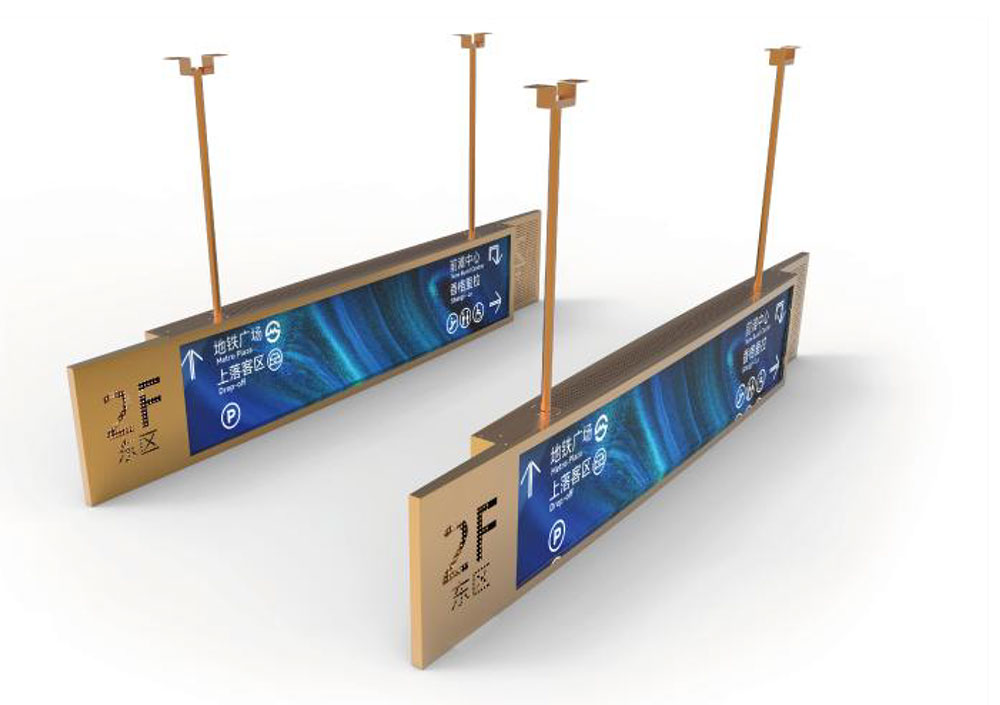
Wide screen bar LCD displays, often called stretched or ultra-wide bar displays, have moved from a niche curiosity into a core building block for custom OEM products. Their elongated form factor fits spaces where a standard 4:3 or 16:9 panel simply will not work: the shelf edge of a retail cooler, the dashboard of a commercial vehicle, the fascia of a smart appliance, or the narrow signage rail above a transit platform door. At HITULCD, we design and integrate these panels for OEM partners who need a display that matches the mechanical envelope of the product rather than forcing the product to accommodate a rectangular screen.
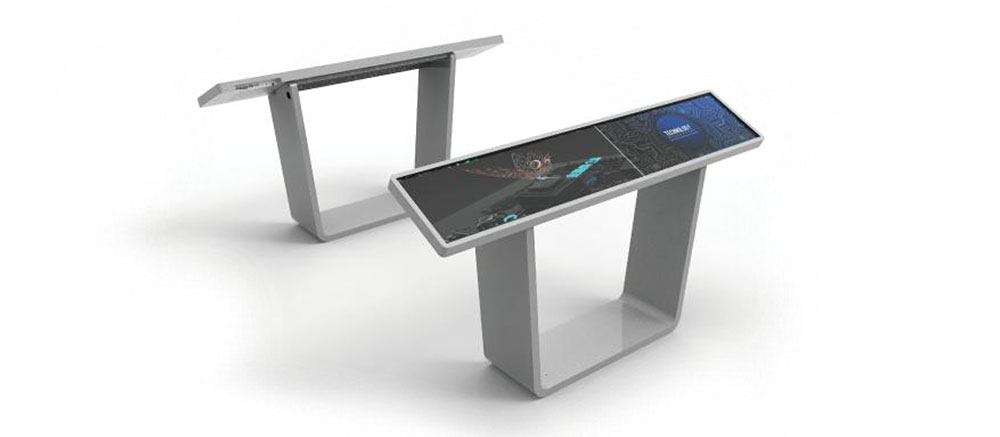
This white paper walks through the engineering considerations that determine whether a bar LCD project succeeds or stalls: aspect ratio and cut options, brightness and optical bonding, interface selection, environmental durability, and the integration workflow that turns a raw panel into a finished OEM module.
What Defines a Wide Screen Bar LCD?
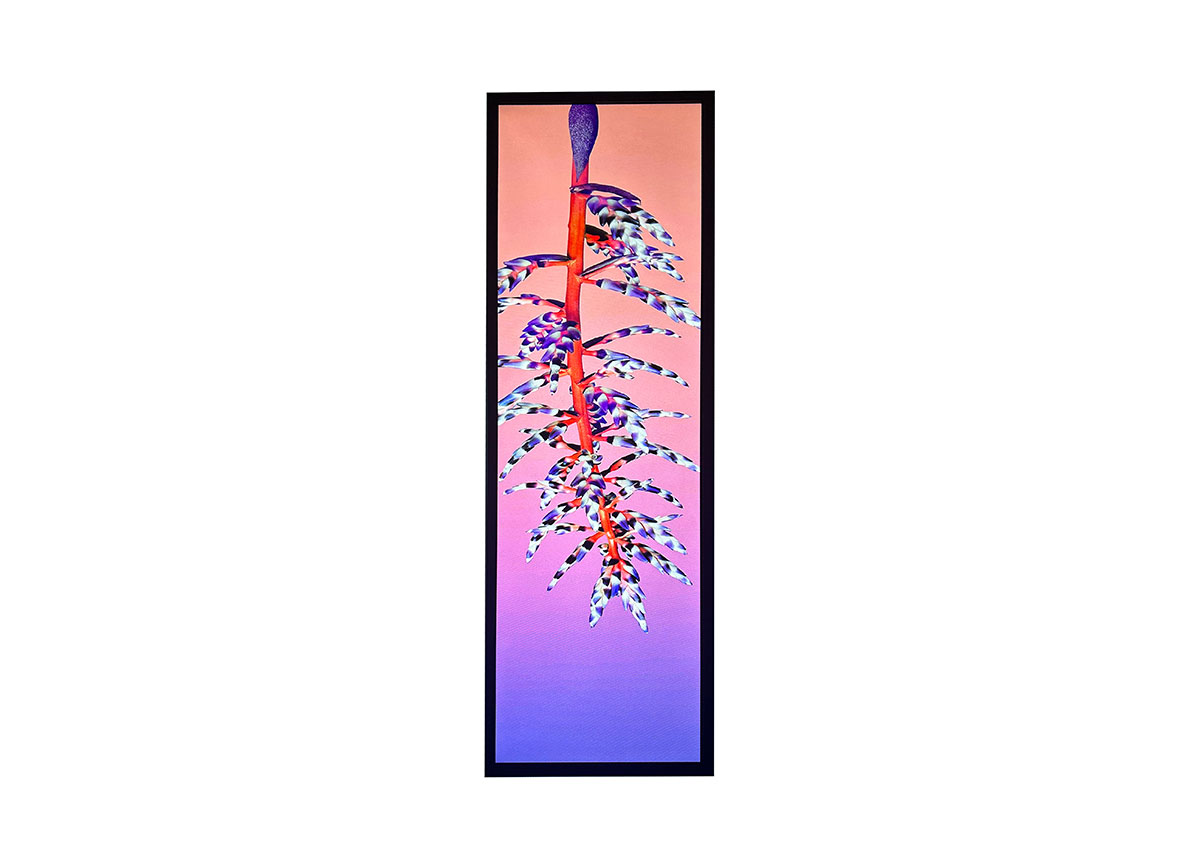
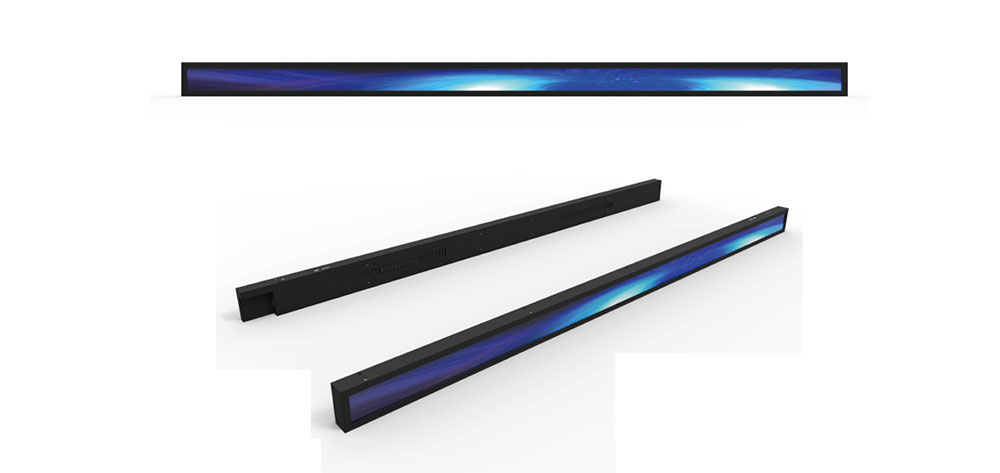
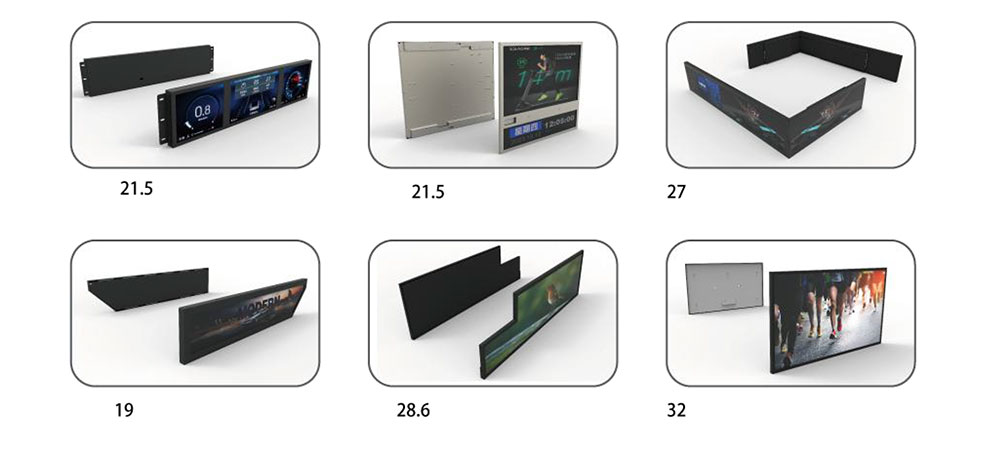
A bar LCD is characterized by an aspect ratio that departs sharply from conventional displays. Where a monitor sits at 16:9 (1.78:1), bar displays commonly range from roughly 16:3 up to 32:9 or beyond. There are two practical routes to achieving this shape:
- Native bar panels: manufactured on a purpose-built glass with the elongated resolution designed in from the mask stage. These offer the best optical uniformity and edge-to-edge active area.
- Cut (segmented) panels: a standard panel is physically cut down to the required aspect ratio. This is cost-effective for lower volumes and gives flexibility on dimensions, though it requires re-routing of the driver ICs and careful sealing of the new cut edge.
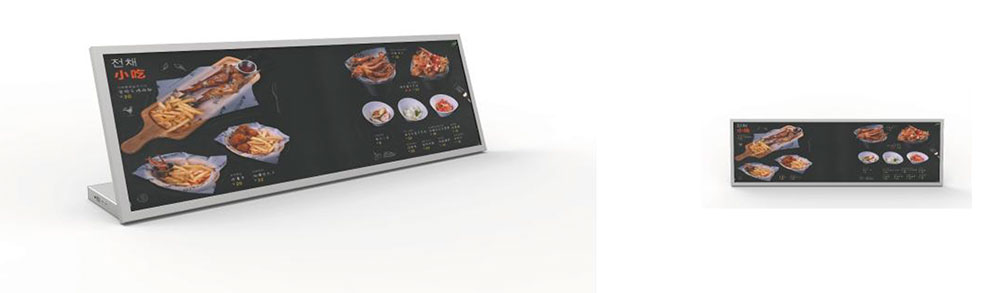
For OEM programs, the choice usually comes down to volume and tolerance. Native panels win at scale and where the widest possible viewing angle uniformity is required; cut panels win for rapid prototyping and mid-volume runs where a specific dimension must fit an existing enclosure.
Typical Specifications for Bar LCD Displays
The table below shows representative specifications across the common bar display size classes we support. Values are given as typical industry ranges rather than single fixed figures, because the final numbers depend on the panel source, backlight configuration, and bonding stack chosen for a given project.
| Class | Diagonal / Length | Typical Aspect Ratio | Common Resolution | Brightness Range (nits) |
|---|---|---|---|---|
| Compact bar | 8" – 16" | 16:3 to 8:3 | 1280×320, 1920×360 | 350 – 1000 |
| Mid bar | 19" – 29" | 16:5 to 21:9 | 1920×540, 2560×720 | 500 – 1500 |
| Large stretched | 32" – 48" | 32:9 to 24:9 | 1920×540, 3840×1100 | 700 – 2500 |
| High-bright signage bar | 28" – 43" | 32:9 | 3840×1080, 1920×540 | 1500 – 3000+ |
Contrast ratios for these panels typically land in the 800:1 to 1500:1 range for standard IPS/VA glass, with viewing angles around 170° horizontal and vertical on IPS variants. Operating temperature ranges depend on the target environment, discussed below.
Brightness and Optical Bonding
Bar displays are frequently deployed where a standard office monitor would wash out: shop windows facing sunlight, outdoor kiosks, and vehicle cabins. Brightness selection therefore drives much of the bill of materials.
As a rule of thumb for our OEM partners:
- Indoor, controlled lighting: 350–500 nits is adequate.
- Bright indoor / near-window: 700–1000 nits reduces reflection-driven contrast loss.
- Semi-outdoor and sunlight-adjacent: 1500 nits and above, paired with optical bonding.
- Direct sunlight signage: 2500 nits or higher, with anti-reflective treatment.
Optical bonding — filling the air gap between the cover glass and the LCD with an optically clear adhesive — is one of the most valuable upgrades for a high-brightness bar display. It suppresses internal reflections, improves perceived contrast in daylight, eliminates internal condensation, and adds mechanical rigidity to the long, slender panel. For bar formats specifically, bonding also helps manage the flex that a long thin assembly is prone to during handling and mounting.
Interfaces and Driver Options
Because bar panels are often cut or custom-driven, the interface story is more involved than with an off-the-shelf monitor. The common signal paths are summarized below.
| Interface | Typical Use | Notes for Bar Displays |
|---|---|---|
| LVDS | Embedded modules, industrial hosts | Robust, well-supported; channel count scales with resolution |
| eDP | Higher-resolution stretched panels | Fewer wires, good for slim mechanical designs |
| MIPI-DSI | Compact bar, mobile-class SoCs | Common in appliance and handheld-derived designs |
| HDMI / DP (via controller board) | Signage, plug-and-play OEM units | Controller handles scaling to the non-standard resolution |
For signage-style deployments, we typically supply a controller board that accepts standard HDMI or DisplayPort input and maps it to the bar panel's native timing. This lets the OEM's media player or PC output a conventional signal while the board handles the stretched geometry. For deeply embedded products, a direct LVDS or eDP link from the host SoC keeps cost and depth to a minimum.
Environmental and Durability Considerations
Custom OEM bar displays rarely live in a comfortable office. Design targets we work to include:
- Operating temperature: standard panels run roughly 0°C to 50°C; wide-temperature builds extend to −20°C to 70°C with heaters and thermally rated backlights.
- Ingress protection: front-face IP65 is achievable with a bonded cover glass and gasketed bezel for outdoor and washdown environments.
- Vibration and shock: relevant for transit and vehicle installs; bonding and mechanical stiffening of the long axis are the key mitigations.
- Sunlight readability and UV: high-brightness backlights plus AR/AG surface treatments and UV-stable adhesives.
The elongated form factor introduces a mechanical concern that square panels do not face: bending stress along the long axis. A 32:9 panel behaves like a long ruler and will flex if mounted only at the ends. Correct OEM design supports the panel continuously or bonds it to a rigid backing to prevent stress on the glass and the flex cables.
The Custom OEM Integration Workflow
A typical HITULCD bar display program moves through five phases:
- Requirements definition: confirm mechanical envelope, aspect ratio, brightness target, interface, environment, and volume.
- Panel selection or cut design: choose native versus cut, define active area, and validate driver routing for cut panels.
- Optical and mechanical stack: specify cover glass, bonding, touch layer if required, and the frame or backing that manages long-axis rigidity.
- Electronics: select or design the controller/driver board, define connector pinout, and confirm power budget.
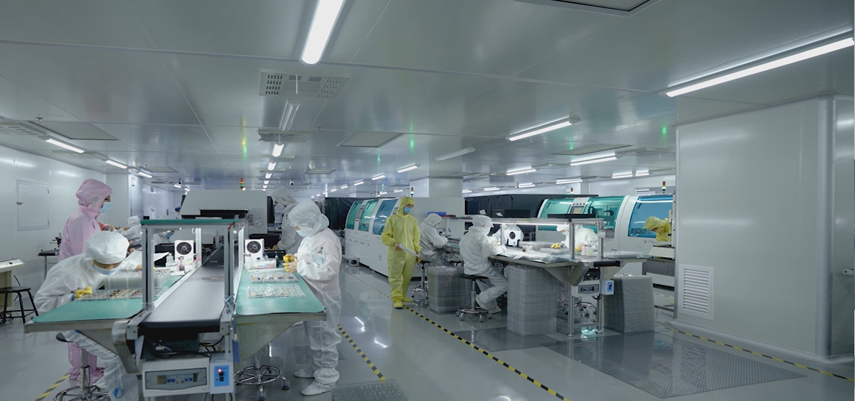
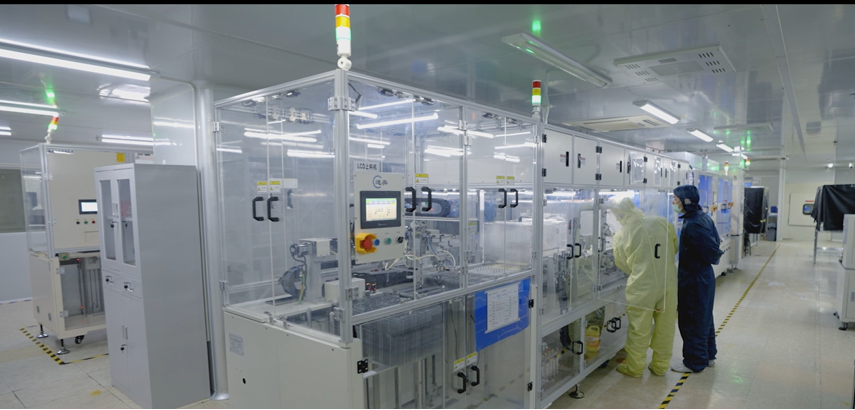
- Prototype, validation, and production: build samples, run thermal and readability checks, and lock the design for volume manufacturing.
Touch integration deserves a specific note. Projected capacitive (PCAP) touch is available on bar displays, but the long, narrow sensor geometry demands a controller tuned for the aspect ratio. Sensor patterning and controller firmware must be matched to the panel dimensions, so touch should be specified early rather than bolted on late.
Application Examples
- Retail shelf-edge displays: compact bars showing pricing, promotions, and product data along a shelf rail.
- Smart appliance fascias: stretched panels integrated into ovens, refrigerators, and coffee machines.
- Transit and passenger information: mid and large bars above doors or along platform edges.
- Digital signage in windows and elevators: high-bright stretched panels in tight vertical or horizontal slots.
- Industrial and vehicle instrumentation: wide-temperature, vibration-rated bars for machinery and cabins.
Conclusion
Wide screen bar LCD displays give OEM designers the freedom to shape the display around the product instead of the other way around. The engineering that makes this work — native versus cut panel selection, brightness and optical bonding matched to the lighting environment, an interface chosen for the host system, and mechanical design that respects the long-axis geometry — is exactly where a manufacturing partner earns its place. For teams building custom products where a standard screen does not fit, a well-specified bar display turns an awkward mechanical constraint into a distinctive design feature.
KEYWORDS: wide screen bar LCD, bar LCD displays, custom OEM displays, stretched bar display, high brightness LCD