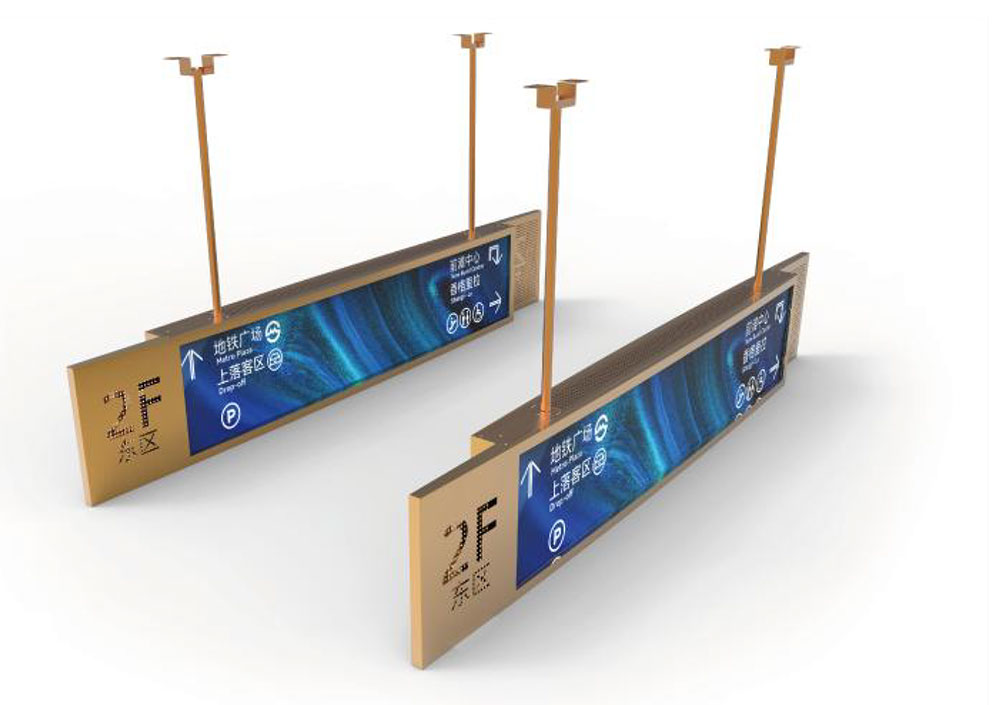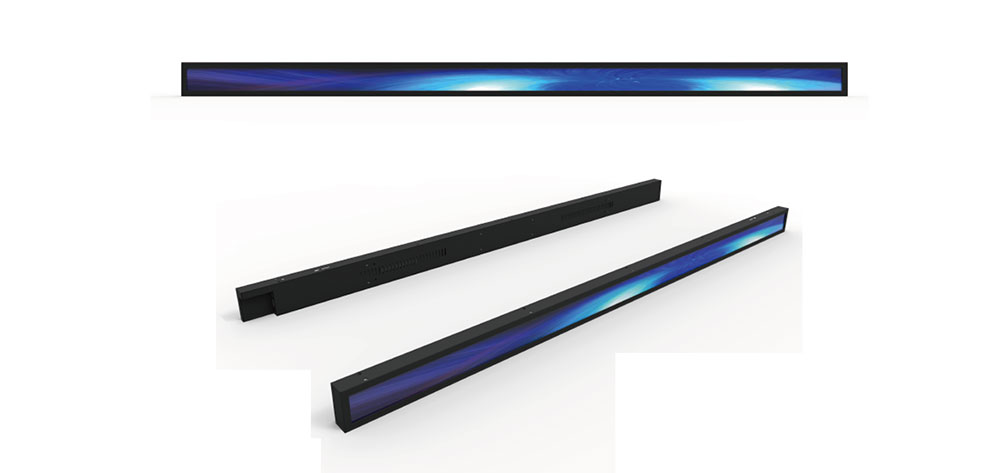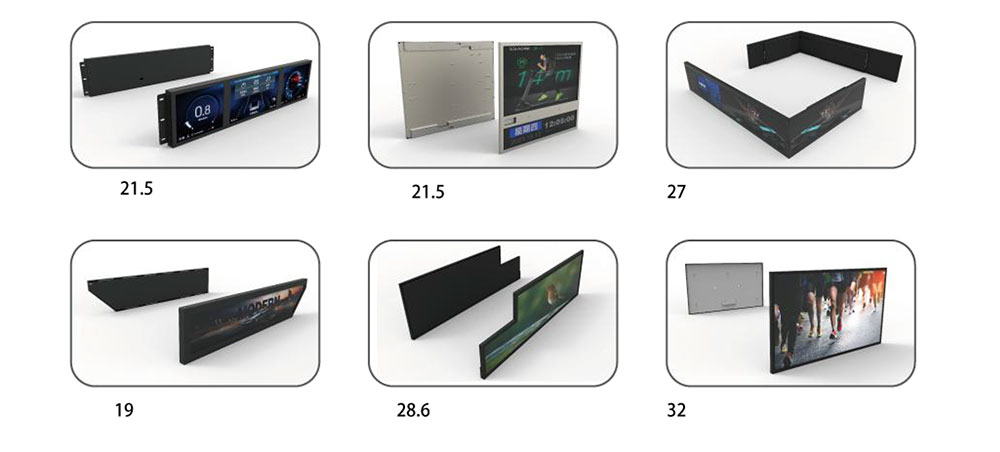
A stretched LCD display — often called a bar-type, strip, or ultra-wide panel — is specified by its outline, its brightness, and its resolution. Of those three, resolution is the one most often decided last, and the one most often decided badly. Buyers frequently anchor on a number they have seen on a datasheet ("1920 × 540 sounds right") and then discover that their content pipeline, their scaler, or their viewing distance cannot support it. The result is a display that is technically functional and visually poor: soft text, shimmering one-pixel rules, and an image that never quite fills the glass.
This paper sets out a decision sequence that works from the application backwards to the pixel count, rather than the other way round.
1. Understand what "stretched" does to the pixel grid
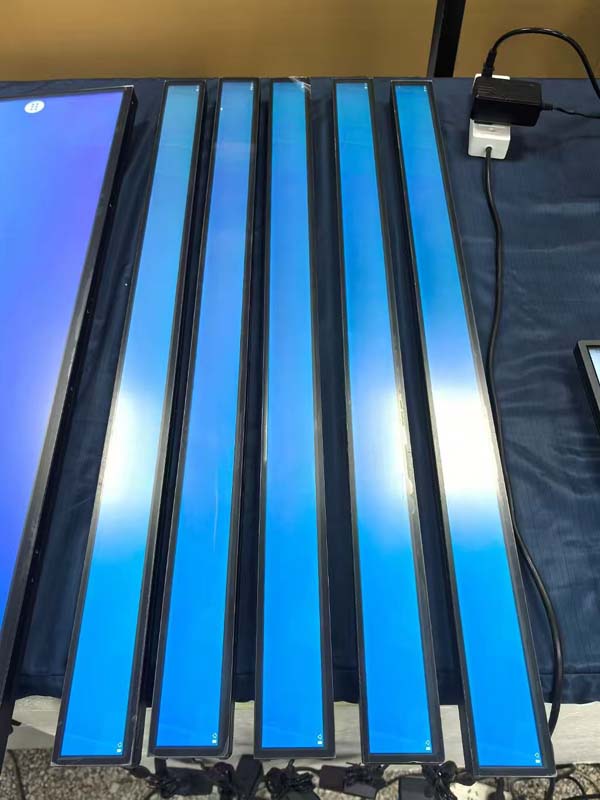
A standard 16:9 panel is a rectangle with a familiar diagonal. A stretched panel keeps one dimension — almost always the height — small and extends the other, producing aspect ratios from roughly 3:1 up to 8:1 or beyond. The physics does not change: the same glass generation, the same drive ICs, the same backlight. What changes is the ratio between the number of pixels and the physical area they must cover.
Two consequences follow immediately. First, pixel pitch in a stretched panel is usually coarse compared with a conventional monitor of the same diagonal, because the diagonal is being spent on width rather than area. Second, the aspect ratio of the pixel array must match the aspect ratio of the mechanical outline if the pixels are to be square. A panel with rectangular pixels will render circles as ellipses and force every piece of content to be scaled non-uniformly. Always confirm the subpixel geometry in writing; it is a specification that is quietly omitted from many shortened datasheets.
2. Native resolution is the only resolution that is truly sharp
Every LCD has one addressable grid. Feed it anything else and a scaler must resample the image. Scaling is not neutral: it softens edges, produces ringing around high-contrast transitions, and — most damagingly on a bar display — makes single-pixel horizontal rules flicker or disappear as content moves. On a 540-pixel-tall panel, a two-pixel divider is 0.4% of the screen height; losing it to resampling is visible.
The practical rule is therefore: design content at the panel's native resolution, and choose the panel whose native resolution your content pipeline can actually produce. One exception is worth knowing. If the panel resolution is an exact integer multiple of the content resolution — 3840 × 1080 driven with 1920 × 540 content, for example — then integer scaling produces a clean result with no interpolation artefacts, because every source pixel maps to a 2 × 2 block. Choosing a panel that is an integer multiple of your existing content canvas is often cheaper than rebuilding a content library, and it preserves a migration path.
3. Work from viewing distance, not from diagonal

Resolution only matters relative to how far away the viewer stands. Human visual acuity is roughly one arcminute; comfortable reading of detail needs two to three times that. A simplified working formula for the pixel pitch a viewer can resolve is:
Maximum resolvable pixel pitch (mm) ≈ viewing distance (m) × 0.35
Beyond that pitch, extra pixels are wasted; below it, the eye begins to see individual pixels and the panel needs anti-aliased content. Applied to a supermarket shelf edge viewed at 1.0–1.5 m, the resolvable pitch is 0.35–0.5 mm — which is exactly where a 37-inch 1920 × 540 bar panel sits. Applied to a transit-hub banner read from 8 m, the resolvable pitch is about 2.8 mm; even a modest 1366 × 384 array satisfies the eye, and the specification effort should move to brightness and contrast instead.
Note what this means: for most stretched-display applications, resolution is not the limiting factor for legibility — contrast, brightness, and content design are. Do not buy pixels you cannot see at the expense of nits you can.
4. Check the content pipeline before you check the panel
Ask three questions about the player, not the display:
- What canvas can it render natively? Many commercial media players and system-on-chip signage boards cap out at a 1920 × 1080 framebuffer. A 3840 × 1080 panel fed from such a player receives an upscaled image, and the extra horizontal resolution is decorative rather than real.
- How is the content authored? Templates, video assets, and layout tools are built around 16:9 by default. A 32:9 or 4:1 canvas requires re-authored layouts with defined safe areas, or content will be cropped at the ends of the strip.
- Is the content static or moving? Static graphics and text scale predictably. Video letterboxed into a 4:1 strip wastes most of the panel; video cropped to 4:1 loses composition. If the strip is a video wall element, plan the source aspect ratio first.
5. Size the signal chain honestly
Resolution drives bandwidth, and bandwidth drives cable length and board choice. A 1920 × 540 panel at 60 Hz and 24-bit colour needs about 1.5 Gbit/s of raw pixel data — comfortable for dual-channel LVDS, two-lane eDP, or a four-lane MIPI DSI link. A 3840 × 1080 panel at the same refresh needs about 6 Gbit/s, which pushes LVDS to its practical limit and makes eDP, V-by-One, or embedded DisplayPort-over-long-cable the sensible route. If the display must sit more than two or three metres from the player — common in kiosks, vehicle interiors, and architectural installs — the interface choice constrains the resolution more than the glass does.
Also confirm the drive board's maximum timing and the panel's supported refresh range. Stretched panels are frequently specified at 60 Hz only; if the application involves fast motion or camera capture, that ceiling matters more than pixel count.
6. Account for the brightness penalty
High-brightness stretched displays — 1,000 to 2,500 nits for window-facing retail, transport exteriors, and outdoor kiosks — change the resolution calculus in ways that are rarely discussed. To reach those luminance levels the backlight must push far more light through the same aperture, and the design typically enlarges the subpixel aperture, adds a white subpixel (RGBW), or both. An RGBW panel is genuinely brighter, but its effective colour resolution is lower: four subpixels share the same horizontal space that three occupied, so fine coloured detail and thin coloured text lose crispness even though the pixel count is unchanged.

Two practical implications. For colour-critical work at high brightness — medical, brand-sensitive retail, colour-managed signage — prefer true RGB stripe with adequate LED headroom over RGBW at a higher nominal nits. And for very fine pixel pitches at very high brightness, expect tighter aperture-ratio trade-offs, more heat behind the panel, and a greater need for thermal design in the enclosure.
7. Confirm whether the resolution actually exists
This is the pragmatic constraint that ends most custom-resolution discussions. Several bar-type formats are catalog items in volume production: 1920 × 540, 1920 × 480, 1920 × 360, 2880 × 864, 3840 × 1080, and a handful of others. A resolution drawn from that pool is available at short lead time, with a stable supply history and a modest minimum order. A resolution outside it requires a new photomask set, new drive IC bonding, and full qualification — non-recurring engineering in the hundreds of thousands of dollars and minimum quantities in the thousands of units.
The sensible sequence is to ask what the nearest catalog resolution is, evaluate it against the viewing-distance and pipeline criteria above, and reserve a true custom array for cases where the mechanical envelope is fixed by an existing product or the aspect ratio is genuinely unusual. A partner with in-house panel sourcing and driver-board design can usually identify a catalog resolution within a few percent of the mechanical target — and a few percent of unused glass is far cheaper than a mask set.